
Guide / operations software
What belongs on an operations management software list?
Organised by the job rather than the vendor: the core every operations tool must show, the four branches by business type, and how to cut a list to a decision.
The facts about operations management software
- "Operations" is the make-move-sell layer of a business: inventory, purchasing, fulfilment, production, service delivery.
- Every credible tool on any list shows the same core: one live record, order workflows, purchasing, and accounting handoff.
- The branches differ by what moves: goods (inventory), transformations (production), people (field and service), or jobs (projects).
- Integration depth beats feature count — operations data that reaches Xero or MYOB untouched is worth more than three extra modules.
- BSimple is on the goods branch: operations-first software for product businesses, from $180/month (AUD) with a free trial.
The core every list entry must show
Strip branding away and an operations tool earns its place by demonstrating five things: a live record of what the business owns and owes work against; workflows that move orders or jobs without re-entry; purchasing that starts from real demand; counting that keeps the record honest; and reporting that shows operational and financial numbers together. A product that cannot demo these on your data does not belong on a shortlist, however long its feature page.
The corollary: most "top operations software" lists are unusable because they mix branches without saying so — a restaurant scheduling tool ranked next to a warehouse system helps nobody. Sorting by branch first is what turns a list into a decision.
- 01The facts about operations management software
- 02The core every list entry must show
- 03The four branches, by what moves
- 04How to cut the list to one decision
- 05Where BSimple sits on the list
The four branches, by what moves
Goods. Inventory, purchasing, fulfilment and the customer ordering experience — the branch BSimple sits in, built for wholesale, manufacturing, distribution and trade businesses. The stock software list covers this branch in detail.
Transformations. Production and manufacturing tools: recipes and bills of materials, production runs, batch traceability. The deeper end of the goods branch, and where the manufacturing comparison applies.
People. Field service and workforce tools: scheduling, dispatch, mobile job cards. Different data, different rhythm — barely overlapping with goods software.
Jobs. Project and professional-services tools: time, milestones, billing by engagement. Right for agencies and consultants; wrong for anyone shipping boxes.
Hybrid businesses exist — a trade business both sells materials and installs them — and should pick the branch that carries the most revenue, then add the other deliberately. The operations examples page shows what these patterns look like in practice.
How to cut the list to one decision
Two filters do most of the work. First, the integration test: ask to watch an invoice arrive in Xero or MYOB live, from a real order, with GST intact — operations data that needs manual reconciliation at month end is not integrated, whatever the brochure says. Second, the adoption test: can the person who will use it daily run one full workflow in the first hour? Operations software fails through disuse more often than through missing features.
Then price honestly. Published plans — BSimple starts at $180/month (AUD), all features included — beat quote-me pricing for a buyer who wants to compare. The free-tier options and the wider tools list cover the low-cost end, and the techniques guide helps if the problem is process rather than software.

Where BSimple sits on the list
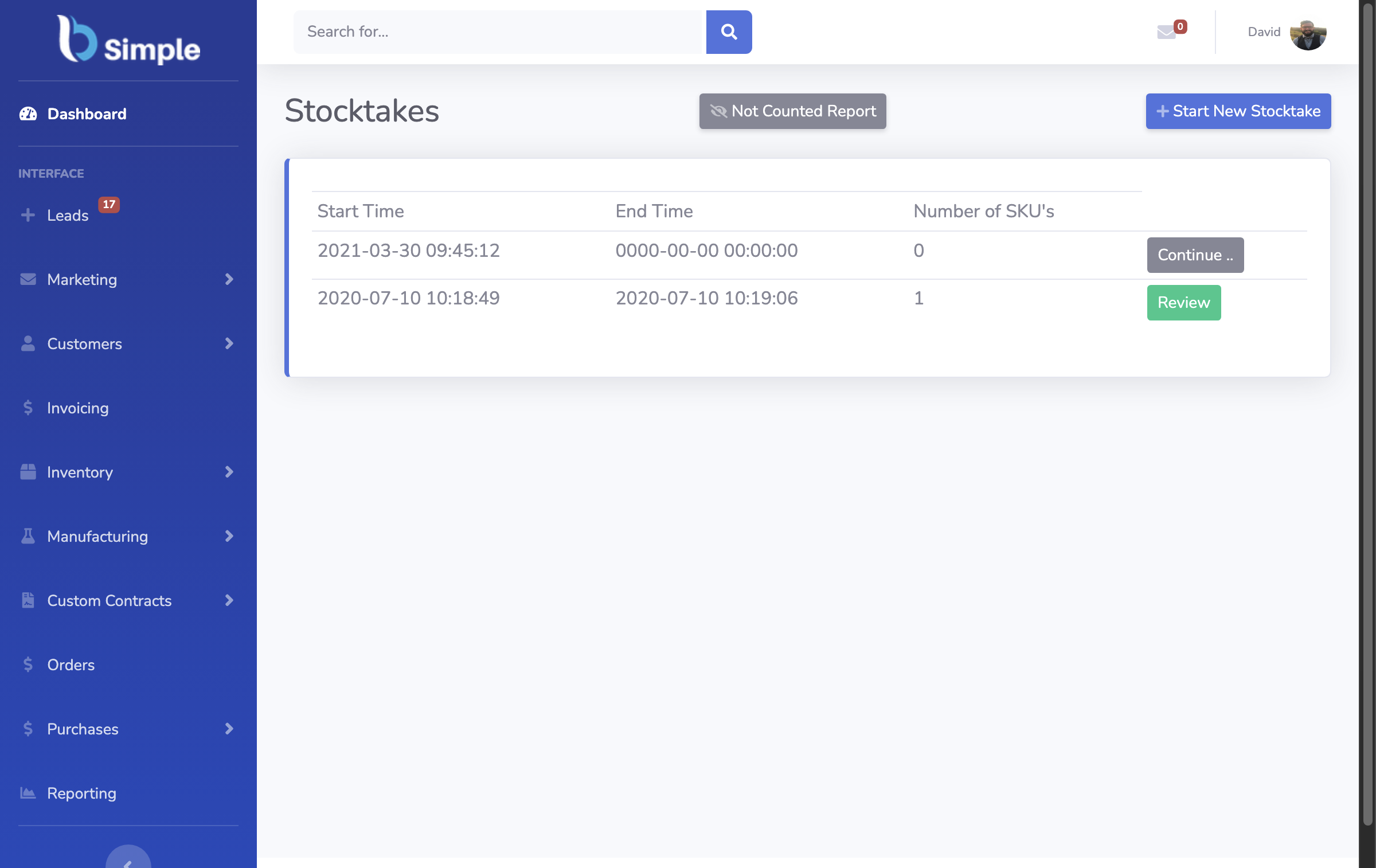
We build BSimple, so weigh that. On this list it is a goods-branch operations platform: one record across inventory, orders, purchasing, invoicing and a customer ordering portal, with production depth — multi-level recipes, batches with use-by dates, traceability — for businesses that make what they sell, and the accounting handoff to Xero or MYOB. Australian-built, cloud-based, publicly priced. The business data management page shows it in motion.
The boundaries: no workforce scheduling, no project time-and-billing, no HR or payroll, no MRP forward scheduling. If your operations are people-first or job-first, those branches have better answers. If your operations are goods-first, the free trial with your own products is the shortest path from list to confidence.
Frequently Asked Questions
What is operations management software?
Software that runs the make-move-sell layer of a business: keeping the stock record, moving orders and jobs through workflows, buying what is needed, and reporting on it. It sits between bookkeeping software (which records results) and ERP suites (which try to run everything).
How is operations software different from accounting software?
Accounting records what happened; operations runs what happens next. The two should integrate — approved orders become invoices in Xero or MYOB, payment status mirrors back — but each stays master of its own domain. That split is deliberate in BSimple's design.
Which branch of operations software does a small manufacturer need?
Usually the goods branch with production depth: recipes and batches on the same record as orders and purchasing. Scheduling-heavy MRP only earns its cost at larger scale. BSimple covers the recipe-and-batch layer without the MRP overhead.
How much does operations management software cost?
SMB tools publish prices — BSimple starts at $180/month (AUD) with the whole goods-branch core included, no module fees. Field-service and project platforms price similarly; enterprise suites quote after sales processes. Judge cost against the hours and errors the tool removes.
Can I trial operations software with my own data?
Any vendor confident in their product allows it — BSimple's free trial is full-featured with no card required. Load real products and run one real workflow end to end; a demo with the vendor's sample data proves only that their sample data works.
BSimple