
Inventory control for growing operations
One live view of every stock decision
The inventory management software that ties demand, purchasing, stocktakes and invoicing to the same quantities.
- Buy to demand with par levels
- Count stock without spreadsheet rework
- Keep sales and stock quantities aligned
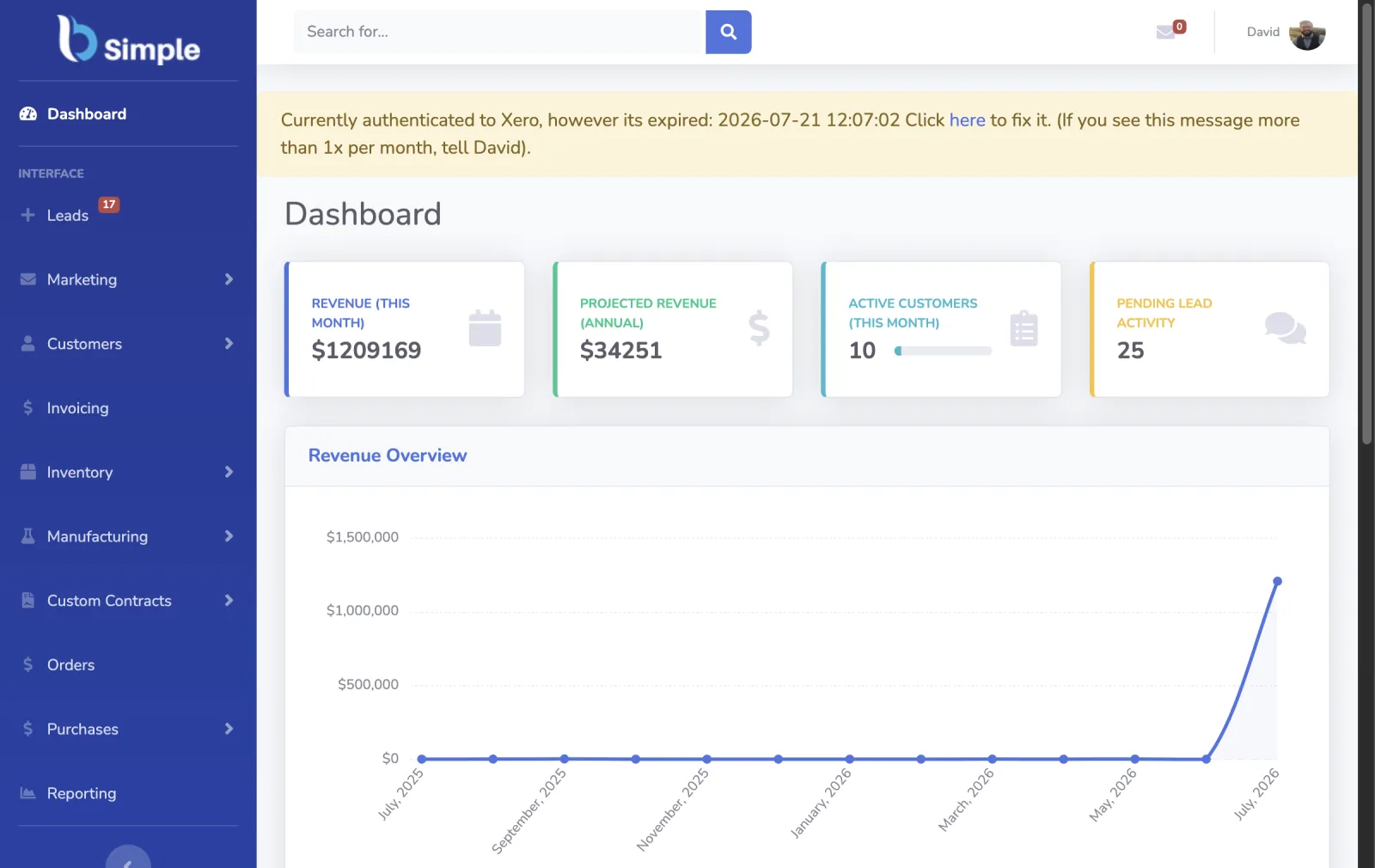
The inventory control loop
Run purchasing and stock from one live picture
Inventory management is one of the core pillars of BSimple business management software.
A sale depends on the right product, a workable price and a customer who needs it. Behind that sale are supplier lead times, purchase orders, par levels, stocktakes, reports and invoices. If those records drift apart, your team finds out when a product is short, a delivery is late or a margin is wrong.
Keep the records connected so your team can act before a shortage becomes a missed order. The workflow below follows the same stock data through purchasing, counting, reporting and invoicing. See how warehouse management software applies the same data to picking, dispatch and multiple locations, or how inventory management for vending machines adapts the approach to a specialised operation.
Live stock quantities and sales history
Purchase orders tied to suppliers and demand
Reports for profit, value and exceptions
Chapter 01 / The signal
Supply and demand, tied to what you buy
Know what is moving before you decide what to buy.
Supply only works when it follows demand. For a packaging business, that means buying at a competitive price, using volume where it helps, and keeping stock moving through storage and distribution rather than leaving cash on the shelf.
For a coffee roaster, the operating pattern is practical: make it easy for customers to order, turn those orders into reliable kilogram volumes, then use the demand signal to plan production and purchasing. BSimple helps document and systemise those steps so the numbers used to buy stock come from the work your team is already doing.
Chapter 02 / The action
02—04Purchase orders that follow demand
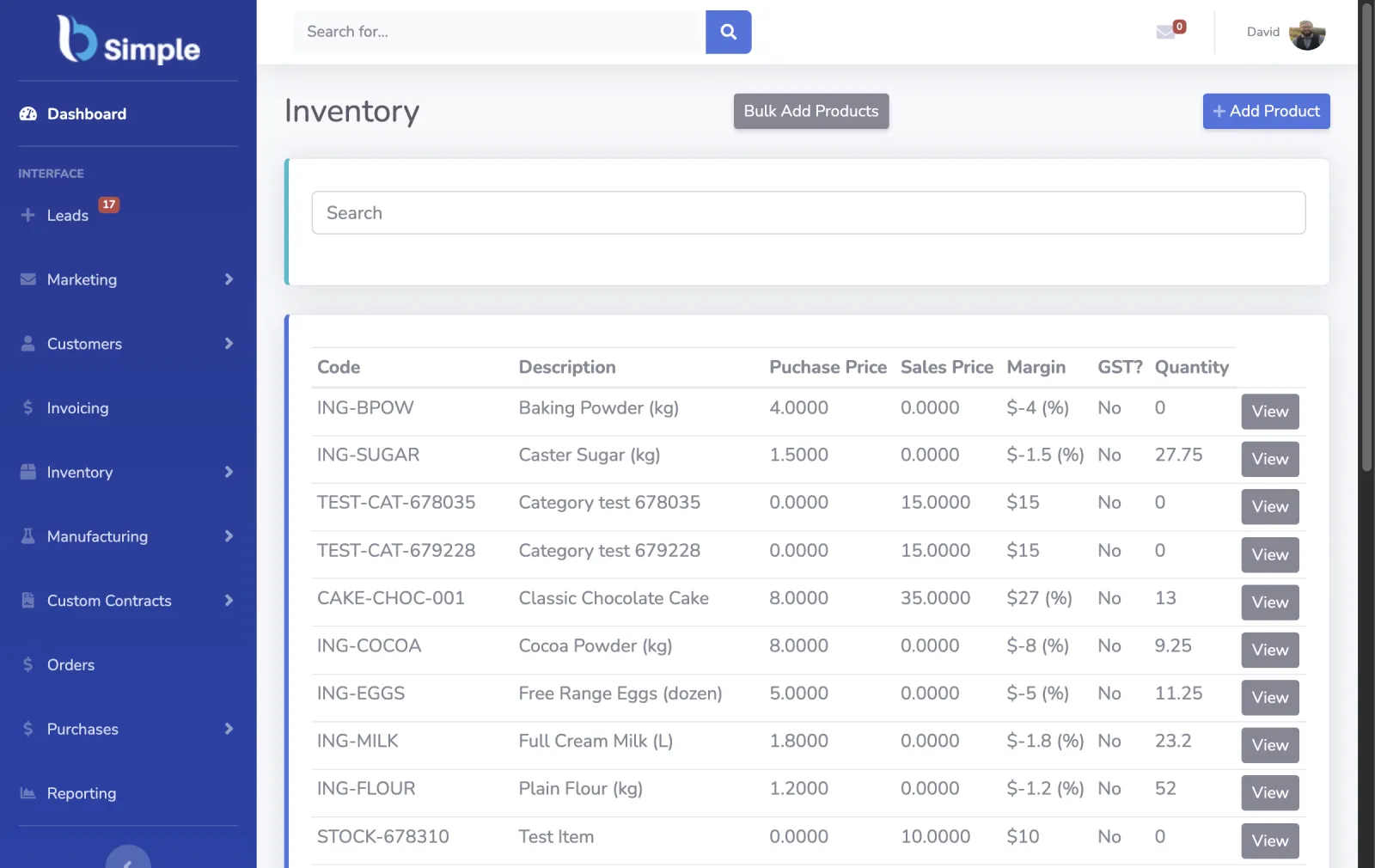
You protect margin when you buy well. BSimple supports a just-in-time approach by showing what customers have ordered, what is already on order and what still needs a supplier response.
Keeping more stock in transit and less stock sitting idle can reduce storage and handling costs, but it also exposes the risks: supplier ordering cycles, upstream shortages, transit times, picking errors and minimum order levels. The purchase workflow keeps those constraints visible while someone builds the order.
BSimple supports several purchasing modes.
- Build a purchase order manually by entering product codes or SKUs.
- Build one from customer orders that have not been approved yet, for a just-in-time response.
- Review every SKU for a supplier and select what needs replenishing.
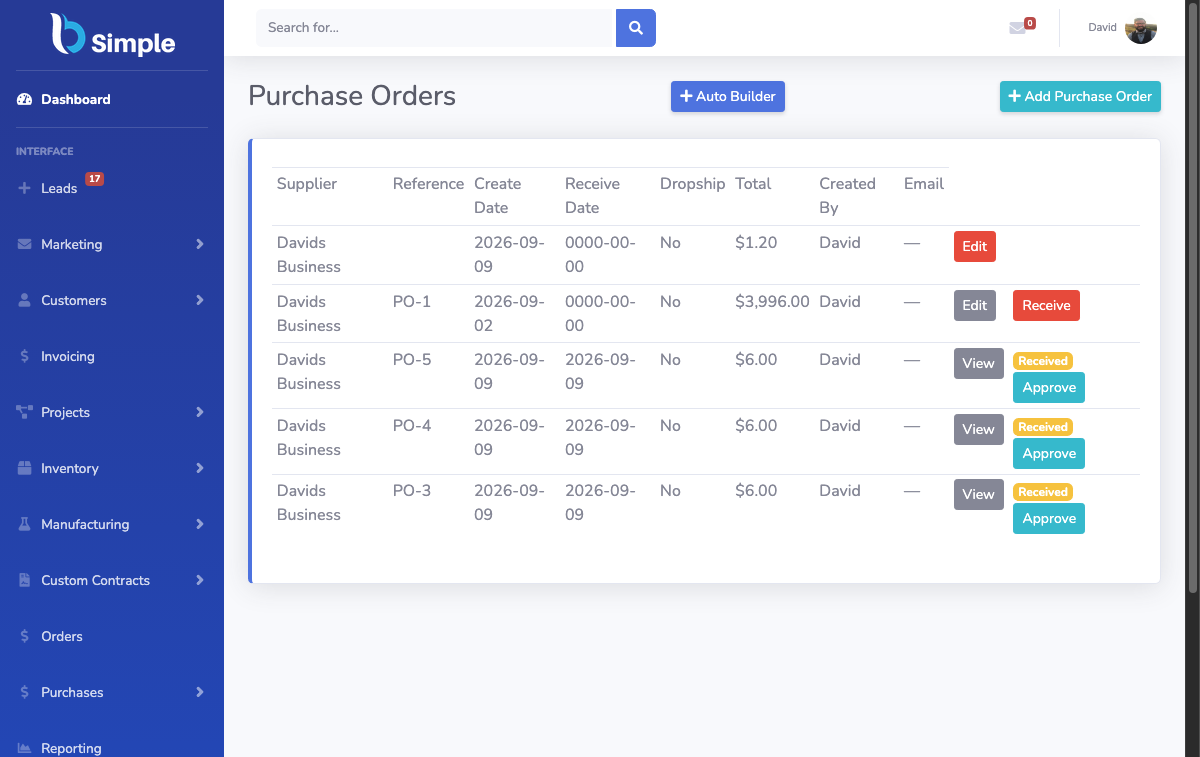
- Use the Auto-Builder to calculate recommended quantities across the supplier's SKUs when the team needs a faster starting point.
Chapter 03 / The guardrail
Set par levels you can defend
A par level is the quantity of a SKU you aim to keep available so you can fill expected orders. It is not a universal number: it depends on supplier minimums, delivery fees, shortages, transit times, storage capacity and the cash tied up in each item.
Start with two practical checks:
- Re-order timeframes. Account for supplier cycles, minimum orders, likely shortages, transit times and delivery fees.
- Space and cashflow. Run light on items that are expensive, bulky or slow to move, even when a larger buffer would be convenient.
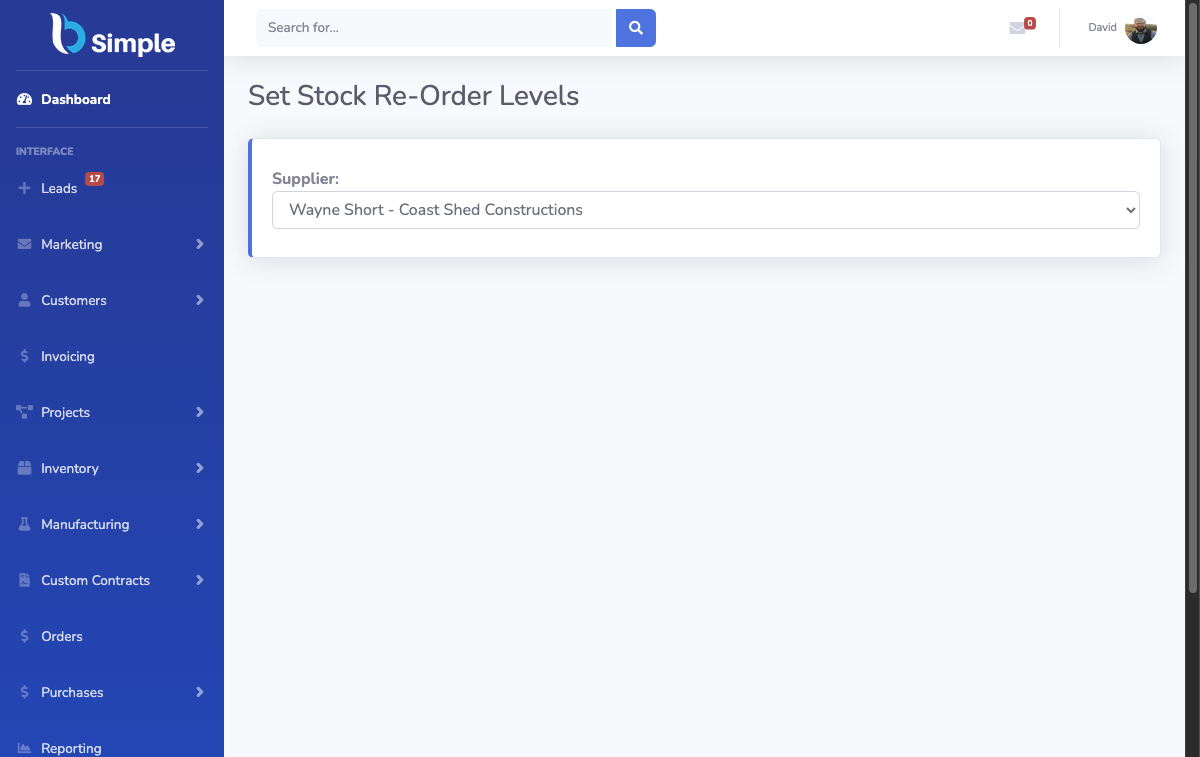
BSimple gives those decisions a place in the purchasing workflow instead of leaving them in a spreadsheet or in one person's memory.
Put the guardrails to work
See how purchasing fits the inventory loop.
Chapter 04 / The count
Stocktakes that bring the system back to the floor
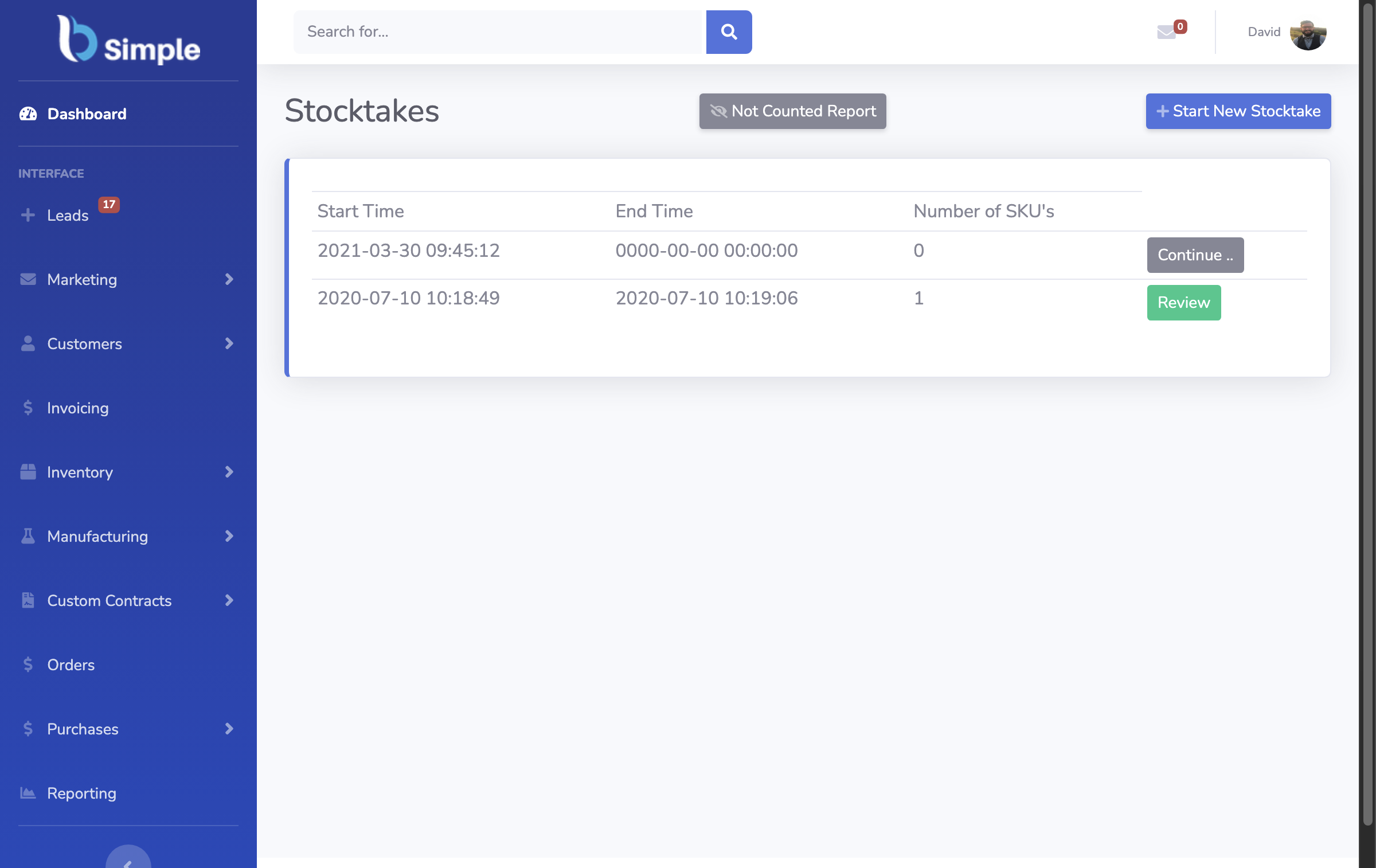
BSimple gives the team a focused way to search for products and enter the actual quantity counted on site. That reduces re-keying and makes it easier to pause and resume the work when a physical count takes more than one session.
It does not remove the physical count. Someone still has to walk the shelves, warehouse or production area and count what is there. The gain is a clearer process for recording the result and correcting the system without rebuilding the stock list in a spreadsheet.
Chapter 05 / The readout
Reports that expose the exceptions
Inventory reports turn day-to-day transactions into decisions. They help the team find missing SKUs, investigate negative quantities, check pricing and see where inventory value sits across suppliers.
BSimple reports include:
- Profit reports
- Profit reports grouped by tag
- Customers with contracts
- Customers with no tag
- Inventory items with negative quantity
- Inventory items with missing pricing detail
- Inventory value grouped by supplier
- Kilos by SKU
- Top customers
Chapter 06 / The source of truth
Every sale updates the stock picture
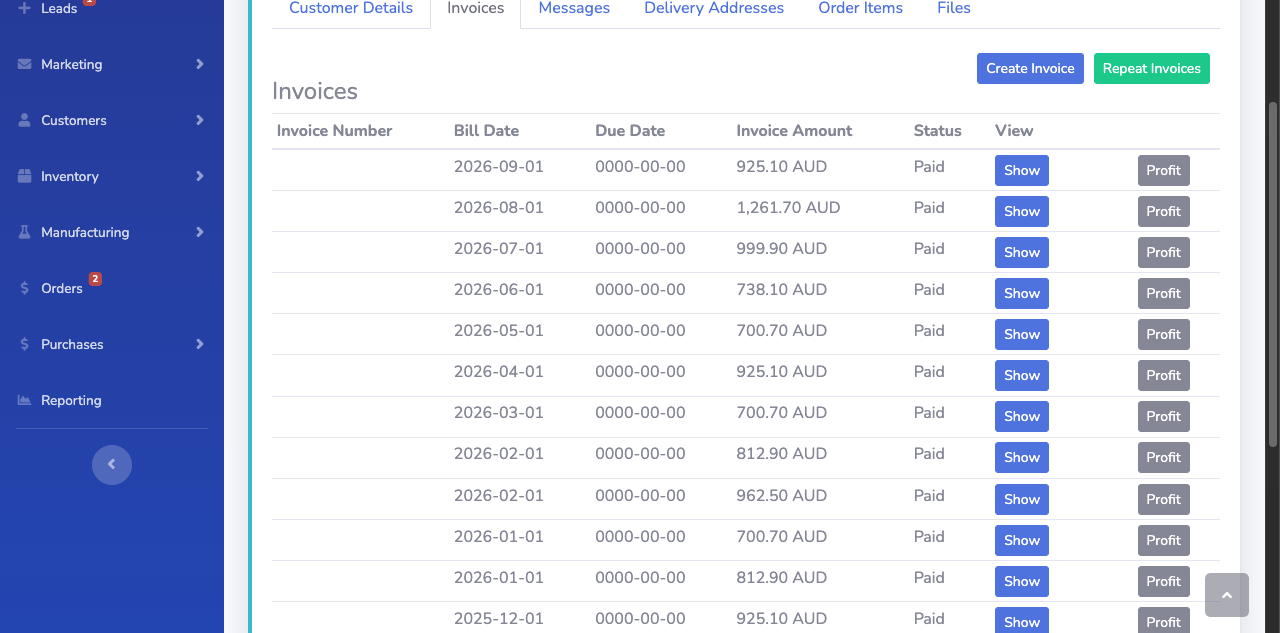
Accurate invoicing is part of inventory control. If sales happen outside BSimple, the system cannot see the quantity leaving the business. Run over-the-counter sales, wholesale orders, courier deliveries and online orders through a process that records the transaction in BSimple.
That gives BSimple a reliable count of how often each SKU is invoiced, so stock quantities stay current and the business can use the same transactions to review profit, inventory value and other operating metrics. Xero remains the accounting system; BSimple keeps the operational stock record connected to the sale. How the ledger and the stock record stay in sync: Xero inventory management.
Comparing the market: we keep honest takes on Zoho Inventory alternatives and Sortly for Australian stock.
The readout, live
Watch the numbers keep themselves current.
Valuation, margins, receivables — your numbers, live.
Keep the loop moving