
Guide / automation
An automated inventory example, followed step by step
Automation is easier to understand as one order travelling unassisted: checked, picked, invoiced, reordered — no re-keying anywhere. A worked example, and the limits of automation.
The key facts
- The worked example: a Shopify order arrives by webhook, checks itself against live stock, becomes a pick list, an invoice, and a reorder signal — no human retypes anything.
- What automation replaces: transcription, availability phone-calls, manual reorder maths, and the payment-status chase.
- What stays human: approval decisions, variance explanations, and the judgement behind par levels — automation guards; it does not decide.
- BSimple runs the example as a product — $180/mo AUD up, trial; the automation overview is the map.
- 01The key facts
- 02The example: one order, no re-keying
- 03What the automation replaced, counted
- 04Where automation stops — by design
The example: one order, no re-keying
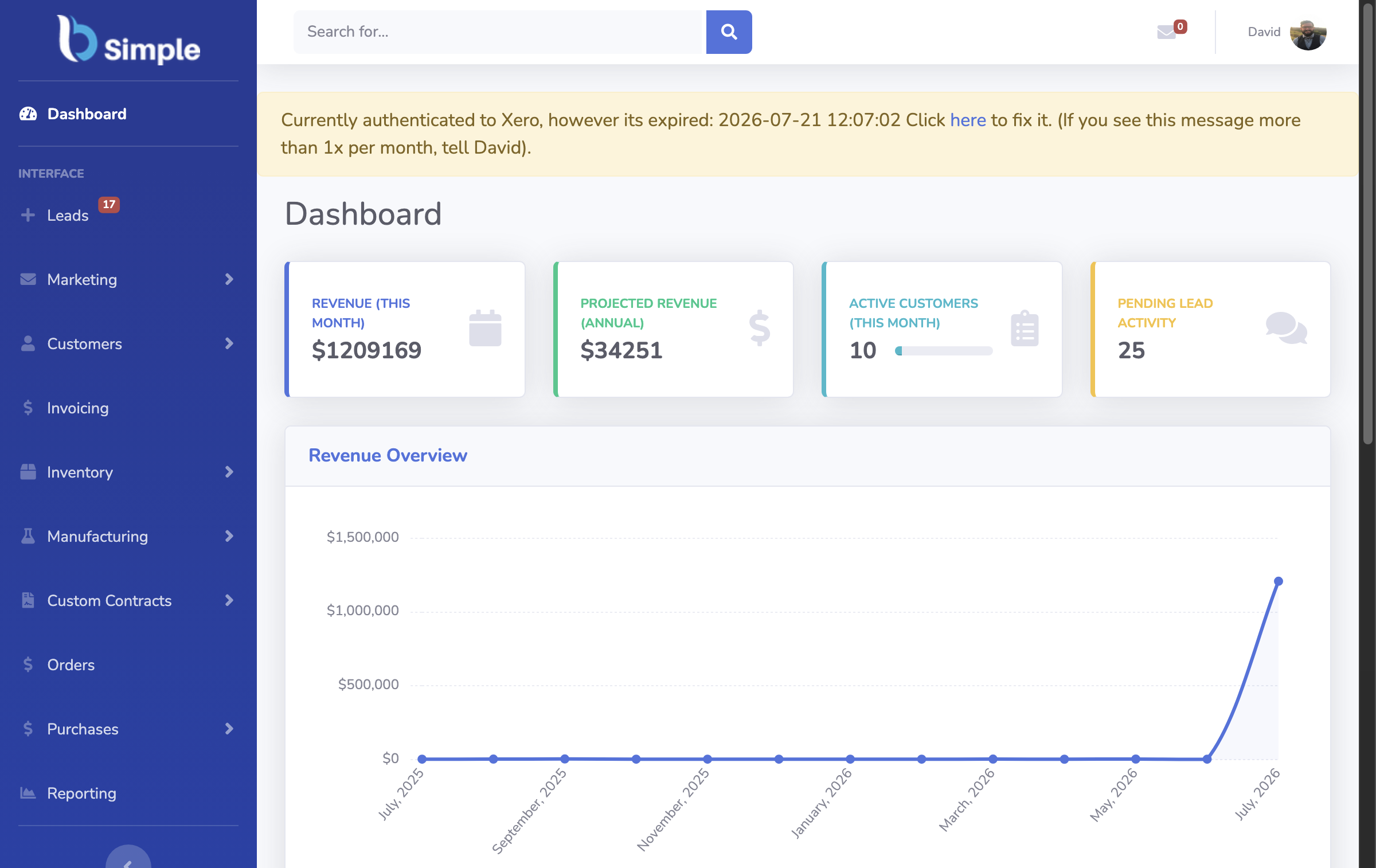
9:14am — a customer checks out on the store. The order arrives in the system by webhook (no copy-paste), and the first automation fires immediately: availability is checked against live quantities — including stock already promised elsewhere — with guardrails blocking anything the shelf cannot honour. 9:15 — it joins the pick queue. The floor sees the new order with a delivery slip, sequenced with the morning's other picks; nothing was re-keyed into a spreadsheet first.
10:40 — picked and packed. Quantities are confirmed at the bench (a scan or a tap), and the order's state moves on the record — visible to sales and to the customer. 10:41 — invoicing. The checked order becomes a draft invoice with quantities, prices and tax carried from the order; on approval, stock deducts once and the invoice pushes to the accounting system. Next day — payment mirrors back. The books mark it paid; the order record shows it, unprompted. Meanwhile — the reorder signal. The sale moved a product toward its par level; the reorder view now includes it on the next purchase order — purchasing from demand closing the loop.
What the automation replaced, counted
Count the human steps in the manual version of the same order: transcribe the order (and re-check the transcription), walk to the shelf or phone the warehouse to confirm availability, write the pick list, re-key the invoice, email the books, chase the payment status, notice the stockout next week. The automated version keeps the two steps that need judgement — approving the invoice, deciding the reorder quantity — and removes the transcription between them. The organisation method and the tool examples break the same journey into adoptable pieces.
The arithmetic is the honest part: automation earns its cost per order times error rate times hours. Ten orders a day with clean manual handling may not justify it; a hundred orders a day with three handoffs always does.

Where automation stops — by design
Approvals stay human. In BSimple's design, invoices deduct stock and cross to accounting only when a person approves — automation prepares the decision, it does not make it. Variances stay human. A count that disagrees with the record produces a flagged variance, not a silent adjustment; explaining it is the control. Judgement stays human. Par levels, supplier choices, and which exception deserves an exception — the system surfaces, management decides. The boundary design and the guardrail philosophy are the same thinking applied everywhere.
We build BSimple, so weigh that: the worked example above is its normal operation — Shopify webhooks, live checks, pick/pack flows, invoice push to Xero or MYOB (US integrations rolling out) — from $180/$250/$399 per month AUD, with the trial running one of your real orders through the whole path in an afternoon.
Frequently Asked Questions
What is an example of automated inventory management?
The order above: webhook intake, automatic stock check, generated pick list, invoice produced on approval, payment status mirrored back, reorder signal raised — one order flowing through the record with no re-keying at any step.
Does automation mean no staff involvement?
No — staff approve invoices, explain variances and make reorder decisions. Automation removes transcription and checking-by-hand, not judgement. Products that claim "fully automated" inventory are describing a demo.
What automations should a small business adopt first?
Order intake (stop re-keying) and payment-status mirroring (stop chasing) — the two highest-friction, lowest-judgement steps. Reorder signals and count automation follow once the record is trusted.
How does automation handle exceptions?
By surfacing them as states — a blocked order, a flagged variance, a failed sync — rather than resolving silently. Exceptions recorded with context can be worked; exceptions absorbed silently become month-end mysteries.
How do we test automation before buying?
Send one real order through the trial and count the times a human had to re-type or re-check. Then compare the count to your current process — the difference is the automation, measured honestly.

BSimple