
Accounting automation / BSimple + Xero
Accounting automation that starts with the order
Turn customer orders into validated invoices, stock movements and accounting records without entering the same data twice.
Start your free trial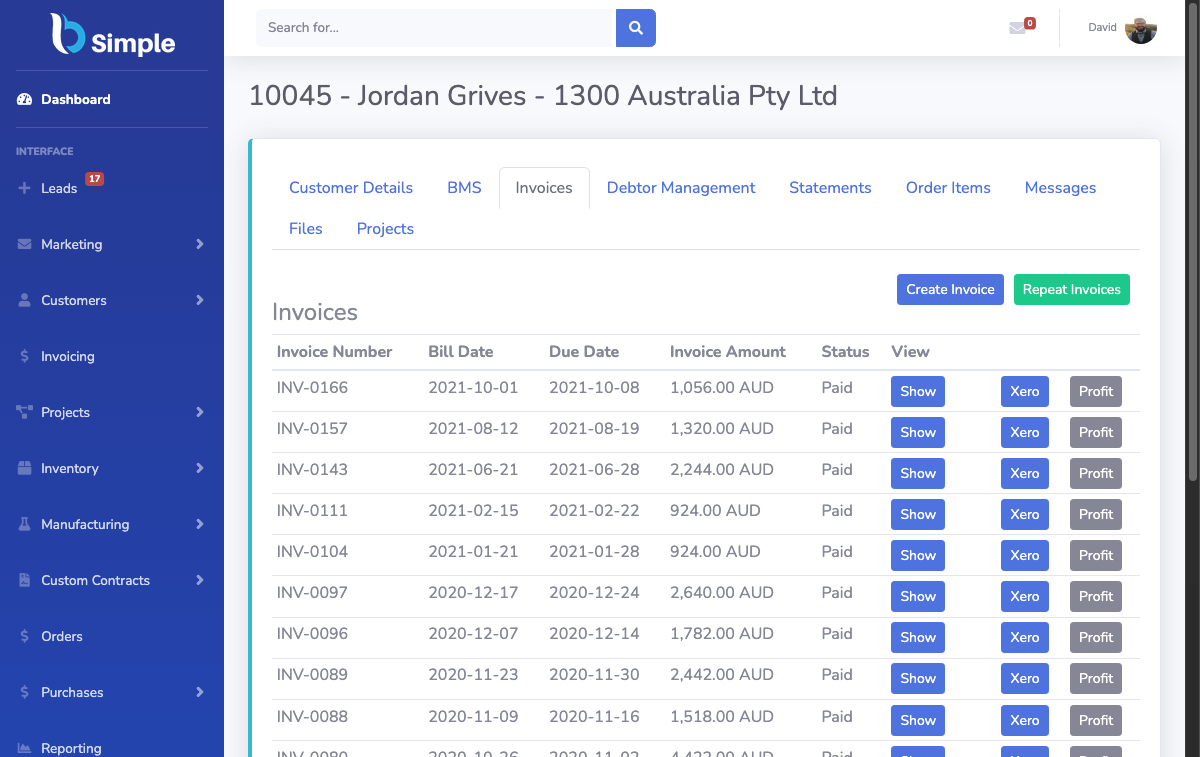
- 01Customer orderQuantities, prices, GST and SKUCaptured
- 02Validated invoiceAdmin review and stock impactChecked
- 03Xero recordApproved and ready for referenceReady
The accounting boundary
Enter the data once. Use it everywhere the business needs it.
Accounting automation is only useful when it begins with the operational record. BSimple keeps the order, stock and invoice connected before the information reaches Xero.
01 / assemble the record
How one order becomes an accounting record
BSimple is designed around a simple principle: enter information once and use it wherever the business needs it.
The platform automates as much of the accounting work as possible without separating it from day-to-day operations. That can reduce the time spent working inside Xero, liaising with and supplying information to your internal or external bookkeeper, preparing accounting-compliance information, and responding to government bodies.
When data enters BSimple, it should not need to be entered again. This starts when a customer generates an order. The quantities entered against each order item provide the information needed for the final invoice: quantity, price, GST, product SKU and the invoice that relates to them. The data then flows through an admin validation step and may also be added to a purchase order.
The same data is then transformed into an invoice and pushed into Xero, or another accounting system where required. The invoice can also be printed for pick and pack or shipping. Finally, it is locked as an approved invoice and remains available for future reference by both the end customer and the business owner.
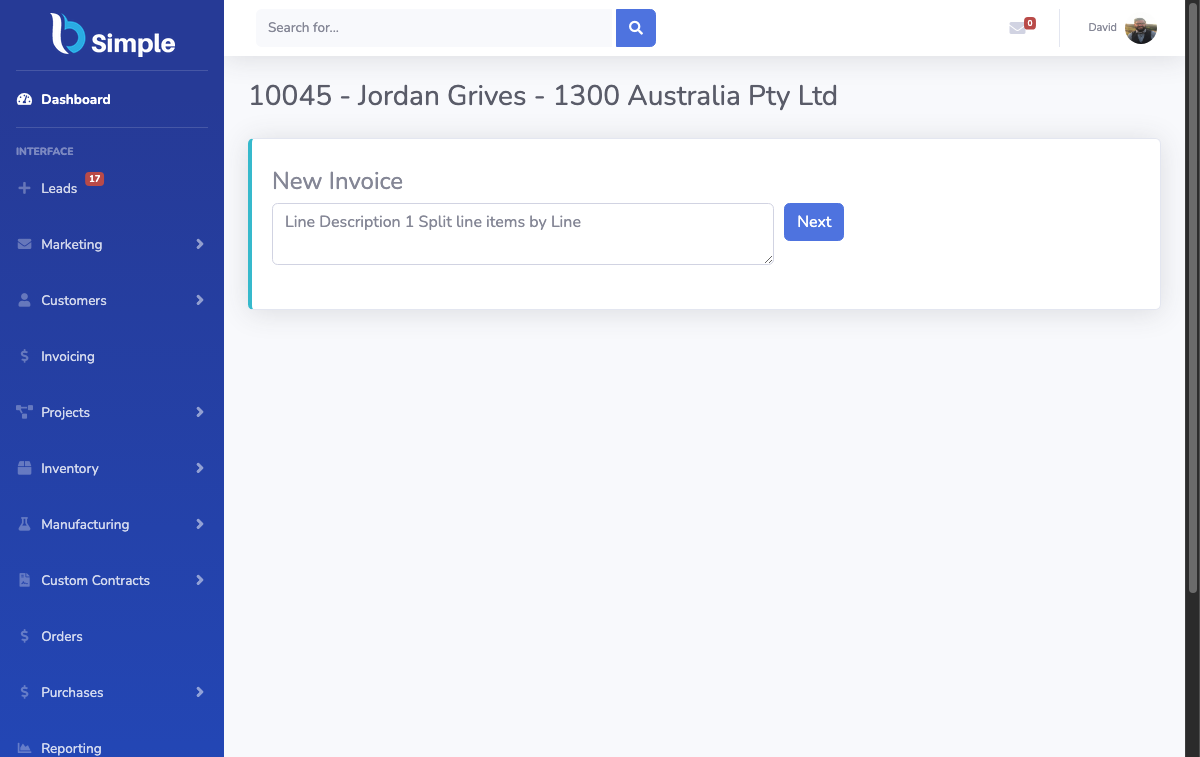
- 01CaptureCustomer quantities and prices enter the system.
- 02ValidateAn admin checks the order before approval.
- 03TransformThe same data becomes an invoice and stock signal.
02 / connect stock to profit
Inventory levels that feed profit
Built-in automation tracks inventory levels. At the start of each month, BSimple runs a process to tally the stock on hand and records the result for your bookkeeper and accountant to reference. This figure is typically added to Xero as a journal entry and used to calculate actual profit.
In simple terms, actual profit is calculated as: (sales – purchases) – (closing stock – starting stock).
THE PROFIT CHECK
03 / receive the supplier response
LESS RE-ENTRYSupplier purchase orders with less re-entry
BSimple is designed to be involved in the day-to-day operations of your business. You get the most from the system when you use its purchasing features: set par levels, detail every SKU and create daily, weekly or monthly purchase orders with a few clicks.
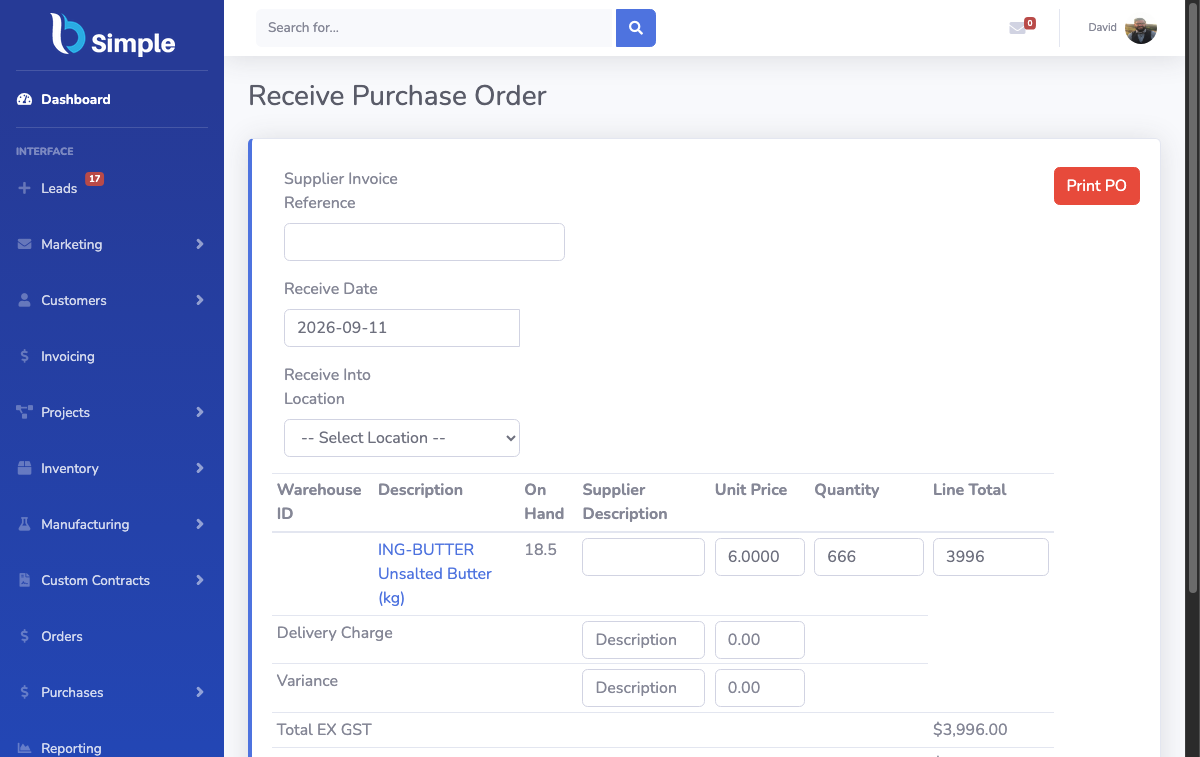
Because you generate the purchase order in BSimple, you only need to adjust it when the supplier responds and then receive it. This may mean removing out-of-stock items or using the split feature when items are backordered. Either way, BSimple automation reduces the manual work involved.
BSimple was initially developed while running a packaging company, where profit depends on buying well and monitoring product lines closely. That work is important, but it is also time-consuming and repetitive.
The useful handoff