Retail Stock Control Software for Australian Retailers

BSimple gives Australian retailers the stock control tools they need to run a tight operation:

  • Barcode stocktakes on mobile — scan the shelf, system does the counting
  • Par-level alerts per location — know when to reorder before shelves go bare
  • Dead stock identification — spot slow movers before they drain cash
  • Shrinkage and variance reporting — know exactly where stock is going missing
  • Automated purchase orders triggered by reorder alerts
  • Xero integration — stock values and COGS update automatically


Stock control in retail sounds simple until you’re doing it manually. You’ve got stock counts on a spreadsheet, POS totals that don’t match, and a stocktake that turns into a weekend horror show. The real problem isn’t tracking stock — it’s controlling it. Knowing when to reorder before you run out. Spotting dead stock before it ties up cash for six months. Finding where shrinkage is happening before it chews through your margin.

BSimple gives Australian retailers proper stock control software — not just a stock tracker. From mobile barcode stocktakes to automated reorder triggers, it turns inventory control from a reactive scramble into a proactive system. Whether you’re running one store or five, the principles are the same: know what you have, know what you need, and never let good stock sit in the wrong place.

Stocktakes by Barcode — No Clipboard Required

Walk the floor with your phone or a handheld scanner, scan each barcode, and let BSimple do the counting. Every scan updates your count in real-time against the system’s expected stock level. When you’re done, BSimple generates a variance report showing exactly where counted stock differs from expected. You investigate the gaps — missed a shelf? Units received outside the system? Shrinkage? — and adjust with a full audit trail.

The old way: print a stock sheet, count manually, enter the figures, find the discrepancies, re-count, argue about whether someone counted the third shelf from the right. The BSimple way: scan, review, done.

This matters for retail in a few ways. First, stocktakes happen more frequently in retail than wholesale — many retailers do partial counts weekly for high-value or fast-moving items. A process that used to take a day now takes a couple of hours. Second, accuracy improves when humans aren’t transcribing numbers from a clipboard. Third, your team will actually do it properly because it’s not a miserable exercise anymore.

For multi-location retailers, BSimple runs location-specific stocktakes simultaneously. Your Fitzroy location’s count doesn’t interfere with Collingwood. Results are location-specific but feed into consolidated reporting so you see the full picture.

Dead Stock and Shrinkage: Two Silent Cash Drains

Dead stock is inventory that stopped selling. It’s sitting on the shelf, value slowly eroding as seasons change, trends move on, or the product just doesn’t move. In retail, dead stock is one of the most predictable problems — and one of the least acted on, because without clear reporting you don’t notice until you’re clearing out the stockroom and find 40 units of something you ordered two years ago.

BSimple flags slow-moving stock before it becomes a problem. Set your own threshold — zero movement in 60 days, 90 days, whatever suits your buying cycle — and BSimple surfaces those items. Early enough to markdown strategically and recover cash, not so late that you’re discounting below cost price to shift it.

Shrinkage is different — it’s the gap between what should be there and what actually is. Shoplifting, breakage, staff taking products, supplier shorts. BSimple’s variance reporting from stocktakes gives you a clear shrinkage picture by location and by category. You can’t fix what you can’t see. Once you know which location has a shrinkage problem, and in which product category, you can actually do something about it — whether that’s better security, a supplier conversation, or tightening your receiving process.

Automated Reordering: Stock Up Before You Run Out

Reactive reordering — waiting until something’s nearly out before you order — is the expensive way to run a retail business. You pay more for rush orders, lose sales during the gap, and stress your team. Par levels and automated reorder triggers solve this.

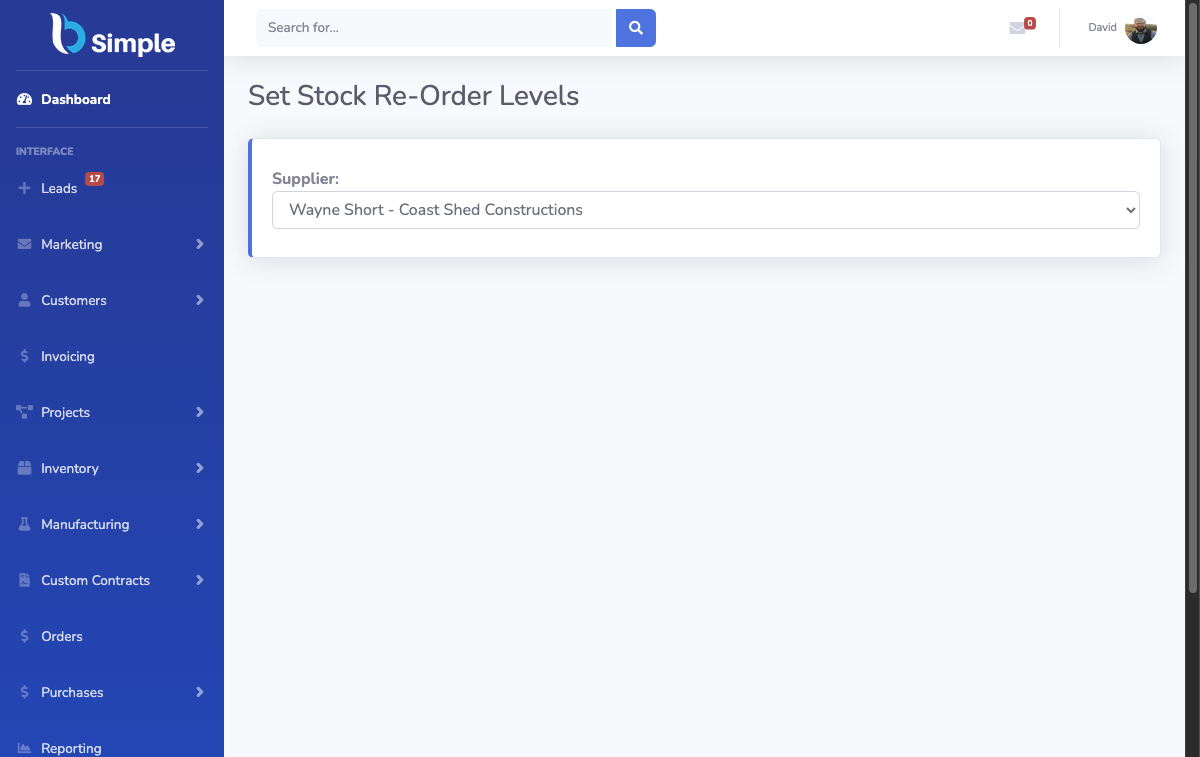
BSimple lets you set par levels by store location. When stock at your Chapel Street store drops below par, you get alerted — not when you’ve run out, but before. BSimple’s Auto-Builder calculates suggested order quantities based on your typical sales velocity and supplier lead time. Review, approve, and send the purchase order to your supplier directly from the system.

For multi-location retailers, this is particularly powerful. Order in bulk from your supplier for better pricing, then allocate to each location based on its par levels. One PO, one receiving process, multiple locations getting their allocation automatically. And because everything syncs with Xero, purchase costs flow through to your accounts correctly when stock is received — no manual bookkeeping, no journal entries for inventory.

For multi-store management and POS integration, see our full retail inventory software guide, and our guide to POS and inventory software for retail stores.

Frequently Asked Questions

What’s the difference between stock control software and inventory management software?

They’re often used interchangeably, but stock control is the operational discipline — counting, stocktaking, tracking variances, managing reorder points. Inventory management is broader and includes purchasing, receiving, customer orders, and financial reporting. BSimple covers both from one system: the stock control discipline (stocktakes, par levels, variance reporting) alongside full inventory management (purchase orders, customer ordering portals, Xero accounting sync).

How does barcode scanning work for retail stocktakes in BSimple?

You use a mobile device (phone or dedicated scanner) to scan product barcodes as you count the shelf. BSimple’s mobile interface records each scan against the expected stock level. When finished, BSimple generates a variance report showing differences between counted and expected quantities. You then investigate and adjust, creating a full audit trail of the stocktake. No paper, no manual data entry.

Can I track shrinkage with BSimple?

Yes. When you complete a stocktake and adjust stock levels to match counted quantities, BSimple records the variance. Over time you can see shrinkage patterns by location, by category, and by time period — which is essential for identifying whether you have a theft problem, a supplier accuracy issue, or a process breakdown somewhere in your operation.

Can I set different stock par levels for different store locations?

Yes. Par levels in BSimple are location-specific. Your CBD flagship might need a par level of 20 units for a fast-moving product, while a suburban location runs fine at 8. Reorder alerts and suggested purchase quantities respect these location-specific thresholds, so you’re ordering based on actual demand by location — not a one-size-fits-all average.

Does retail stock control software integrate with Xero?

BSimple syncs with Xero automatically. When stock is received, inventory values update in Xero. When stock is written off through a stocktake adjustment, that flows through to your accounts. Purchase orders create Xero bills when stock arrives. No manual entries, no end-of-month reconciliation — it’s continuous and automatic for Australian retailers.

How often should Australian retailers do stocktakes?

It depends on your business, but most retailers benefit from a mix: full stocktake quarterly, partial counts (high-value or fast-moving items) weekly or monthly. With BSimple’s barcode scanning, a partial count that used to take half a day now takes an hour — which means teams actually do them regularly rather than avoiding it. More frequent counts catch problems earlier and keep your data accurate between full stocktakes.