
Guide / VBA route
Inventory management software in Excel VBA
VBA can turn a stock spreadsheet into something that behaves like software — forms, validation, generated purchase orders. What it genuinely adds, the trap that makes VBA systems expensive to keep alive, and the exit that preserves the work.
The key facts
- What VBA adds: data-entry forms, validation that stops bad rows at the keyboard, generated POs and emails, one-click reports — real ergonomics over a plain sheet.
- The design rule survives: even in VBA, stock on hand must derive from an append-only movements table — macros over editable totals automate the lying.
- The trap: VBA code lives inside the workbook — one file, one author, macro-security friction, and a maintenance burden that grows with every button.
- The exit: keep the movements discipline, lose the workbook: import the product list into a maintained system and let the trial prove the record.
- The wider system: inventory management end to end maps the whole record this page sits in.
- 01The key facts
- 02What VBA genuinely adds
- 03The VBA trap, stated plainly
- 04When VBA is the right call, and the exit when it is not
What VBA genuinely adds
Plain-sheet stock tracking ends where discipline ends: someone types over a formula, someone skips a column, someone "fixes" a total. VBA addresses exactly that friction layer. A UserForm for stock in/out enforces the fields — date, product, signed quantity, reason — so the movements table stays clean at the point of entry. Validation runs before the row lands. A macro drafts the purchase order email when derived stock crosses a reorder level. Buttons replace formula archaeology for the stocktake import.
That is real value, and it is why VBA systems survive in warehouses for years. The honest caveat: none of it changes what the record is. VBA over a well-designed movements table is a usable tool; VBA over typed totals is a faster way to break the same record — the schema that must sit underneath is the same either way.
The VBA trap, stated plainly
The code lives inside the workbook. That single fact shapes everything: the system is one file on one drive (or a shared file with the old concurrency chaos VBA cannot fix); macro security prompts train users to click through warnings, which is its own risk habit; version control is "copy the file before changes"; and the author — usually the one person who understands the macros — becomes a single point of failure the business does not budget for until they leave.
Maintenance grows structurally, not accidentally. Every button someone asks for adds code that must be defended the next time Excel updates, the next time the file is moved, the next time a new person needs permissions. Six months of feature requests turn a weekend tool into an application nobody dares to touch — still lacking an audit trail, a real database, or an accounting handoff. The wider tools list shows where the maintained alternatives sit, and the vendor landscape sizes the field.

When VBA is the right call, and the exit when it is not
VBA is defensible when the requirement is ergonomics for one or two users on one machine, the movements design is already right, and the author is genuinely maintaining it. It is the wrong call the moment the record matters to more than that room: multi-user truth, audit history, and the accounting handoff are database properties, and no amount of macro skill adds them.
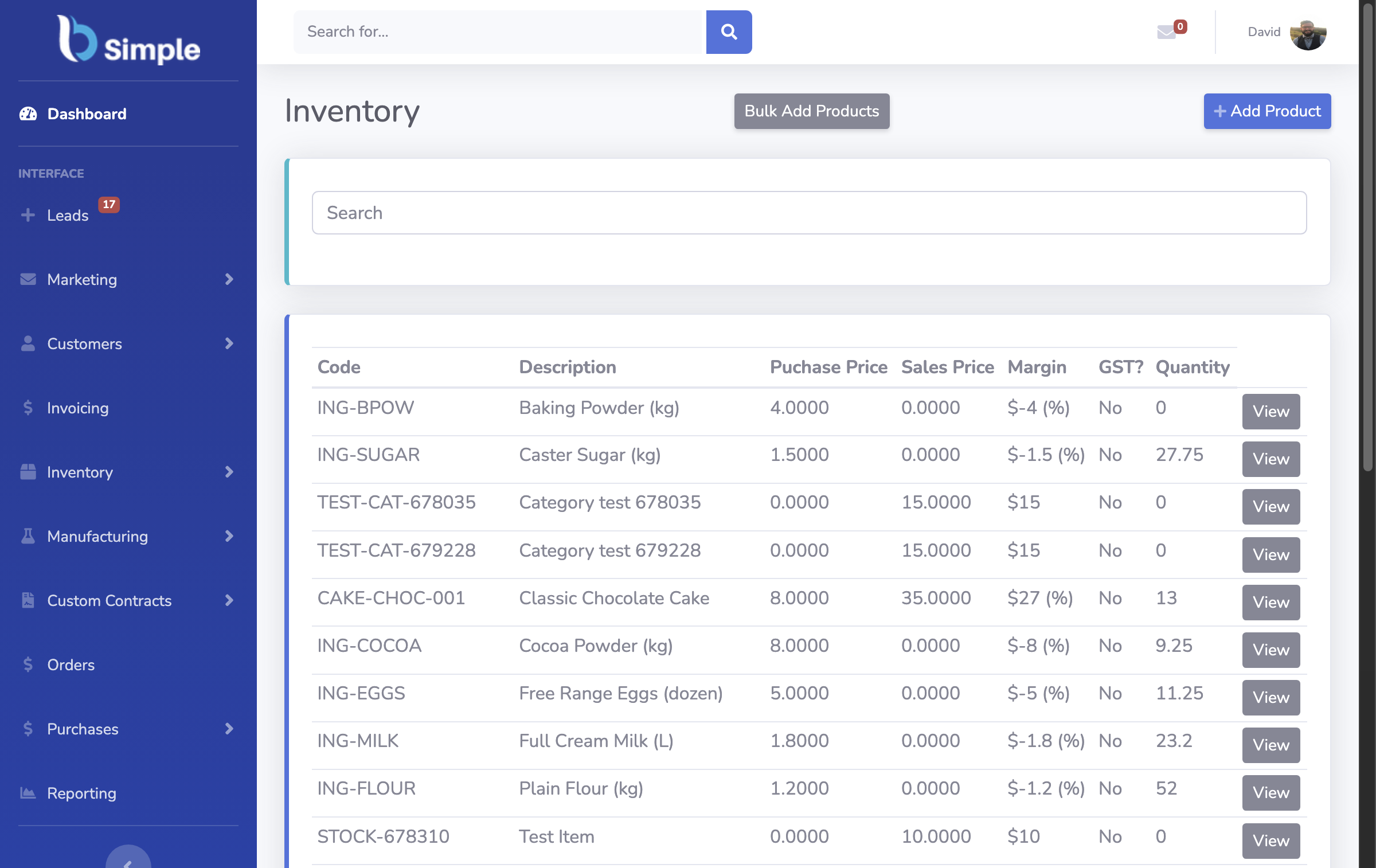
The exit keeps the assets: the movements history documents how the business actually works; the product list imports directly; the validation rules become configuration. BSimple keeps the same movement-based model — live multi-user stock, purchasing raised from demand, stocktake corrections with reasons, ordering portals, invoices to the accounting system — as maintained cloud software from $180/month AUD. The plain-Excel stage guide pairs with the trial to make the comparison: same data, one workbook against one record.
Frequently Asked Questions
Can you build inventory management software in Excel VBA?
Yes — forms, validation, generated POs and reports are all achievable, and the result can serve a small operation well for years. The ceiling is structural: one workbook, macro-security friction, no real audit trail, and maintenance that grows with every feature.
What should a VBA inventory system never do?
Store stock on hand as an editable number. The macro layer must write movements and derive quantities, or the automation just accelerates the record's decay. Append-only movements, with corrections as new rows, remains the rule.
Is VBA outdated for this kind of project?
For learning and single-machine tools, no — it is still bundled with Excel and the skills are widespread. For a shared business system, its single-file, single-author model is the problem, not the language. Compare the total maintenance burden honestly before committing.
How do I migrate away from a VBA system?
Export the products, the movements history and the reorder levels; import them into the candidate system; run both in parallel for one count cycle and reconcile. The trial supports the parallel run — the workbook can retire only once the record agrees with it.
What is the biggest risk of a homemade VBA system?
Key-person dependence: the business's stock truth lives in a file only its author can safely change. That risk — not the code quality — is what eventually forces the move to a maintained system.

BSimple