
List / tools by category
An inventory tools list, sorted by what it must do
The useful list is not fifty logos — it is six categories, each matched to the failure it fixes. Find the category that matches yours, then compare inside it.
The key facts
- Six categories: spreadsheets, stock apps, scanning-focused tools, operations systems, warehouse systems (WMS), ERP inventory modules.
- Sort by failure first: what actually breaks today decides the category; brand lists inside the wrong category waste weeks.
- The category BSimple sits in: operations systems — inventory, purchasing, orders, portal and invoicing on one record, from $180/month (AUD).
- Context: the full inventory system holds the wider system, this page one stop in it.
- 01The key facts
- 02The six categories
- 03How to use the list without wasting weeks
- 04Where BSimple belongs on the list
The six categories
1. Spreadsheets. The default and, at one-person scale, the correct answer. Free forever; breaks on concurrency, between-count trust, and anything that consumes stock.
2. Stock apps. Phone-first quantity tracking — counts, locations, sometimes photos. Good for a small stockroom; blind to why quantities move.
3. Scanning-focused tools. Barcode-first entry and counting — the fix for identity errors at volume. Worth pairing with a real record rather than running alone; the scanning workflow shows why.
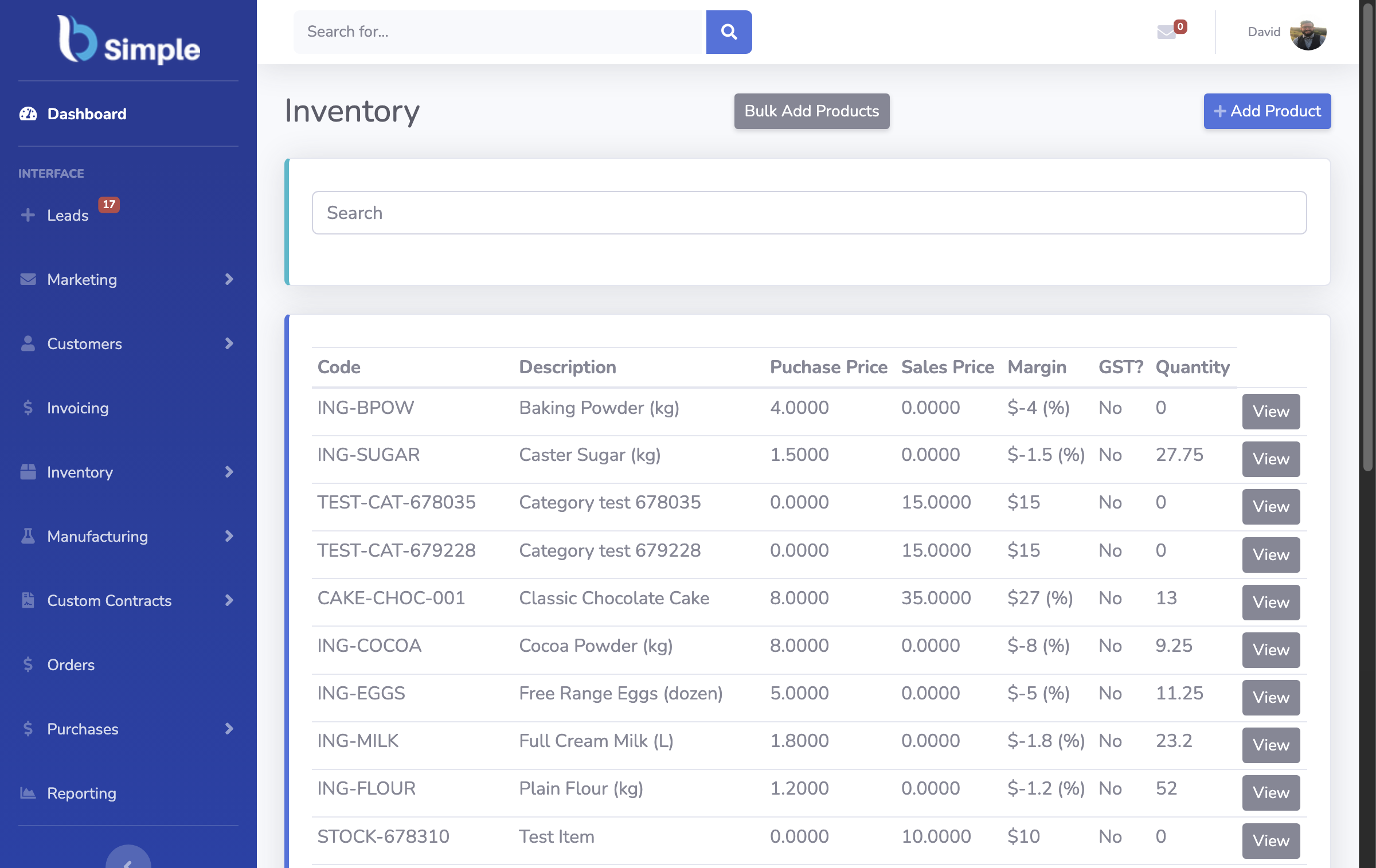
4. Operations systems. The record that runs the business: inventory, purchasing from reorder levels, orders and fulfilment, customer portals, invoicing with the accounting handoff. BSimple is here — built for wholesale, manufacturing, distribution and trade, from $180/month (AUD) with everything in the core plans.
5. Warehouse systems (WMS). Bin-level optimisation, directed put-away, wave picking, labour — for large distribution centres where the floor itself is the problem.
6. ERP inventory modules. Inventory inside a full suite with MRP, HR and finance — deep, expensive, right when the extra scope is genuinely the job.
How to use the list without wasting weeks
Sort by the failure, not the feature count. Quantities wrong between counts → category 1 is straining, categories 2–4 are the candidates. Mis-picks and mis-receipts at volume → scanning (3) layered on a record. Orders that must flow portal-to-invoice → operations systems (4), full stop. A large DC that is slow despite a clean record → WMS (5). Multi-plant MRP and HR demands → ERP (6).
Then compare inside the chosen category with the same four questions: is the record live and shared; are movements transactions with an audit trail; does the accounting handoff actually work (the Xero/MYOB boundary is the benchmark); and can you test it on your own stock before paying. The stock-management view covers category mechanics, and the tracking-tools comparison narrows category 4 for small business.
Get started with BSimple
Where BSimple belongs on the list
We build BSimple, so weigh that. Category 4 — operations system — deliberately and not apologetically: one record for inventory, purchasing, orders, the customer portal, recipes and batches, and invoicing to Xero or MYOB, cloud-only, from $180/month (AUD). It is not a WMS and not an ERP, and pages elsewhere say so plainly.
The honest way to shorten any list, including this one: run the trial on your own products and let the workflow — not the brochure — do the sorting.
Frequently Asked Questions
What are the main types of inventory management tools?
Six: spreadsheets, stock apps, scanning-focused tools, operations systems, warehouse management systems, and ERP inventory modules. Each fixes a different failure — choose the category by what breaks today, then compare inside it.
What category is BSimple in?
Operations systems: inventory, purchasing, orders, the customer portal and invoicing on one record, with the accounting handoff to Xero or MYOB. Not a WMS, not an ERP — from $180/month (AUD) with all features in the core plans.
Which tool list should a small business trust?
Trust the lists that state categories and trade-offs over the ones that rank fifty logos. Better still, skip the list-solving and trial one tool on your own products — an afternoon of real workflow beats a month of reading.
Do we need more than one tool from the list?
Rarely. Most businesses need one good record (category 4) and can retire the spreadsheets around it. Scanning hardware is an input to the record, not a second system; a WMS only enters when floor optimisation becomes the problem.
BSimple