
Guide / barcode scanning
Barcode scanning for inventory
Every scan confirms identity and quantity in a fraction of a second — receiving, picking and counting stop depending on someone reading a code correctly from memory. Here is what scanning involves and where it earns its keep.
The key facts
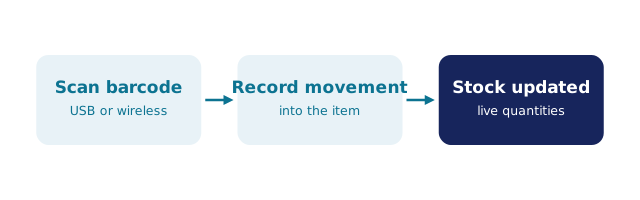
- What a scan does: confirms the identity of the item and triggers the quantity movement — no typing, no memory.
- The pieces: labels on stock, a scanner (dedicated unit or phone camera), and software that records each scan as a transaction.
- Where it pays: receiving, picking, and stocktakes — the three moments mis-identification costs money.
- In BSimple, scanning is native inventory control, not a bolt-on: receive, adjust, count and pick flow into the ledger as transactions.
- 01The key facts
- 02What scanning actually replaces
- 03The pieces, plainly
- 04Where scanning earns its keep
- 05How BSimple handles it
What scanning actually replaces
The thing scanning replaces is not paper — it is memory. Every un-scanned movement asks a person to read a SKU correctly, remember a quantity, and write both down for typing up later. Each of those steps is an opportunity for a small error that a stocktake discovers months later, already expensive.
A scan does two things humans find hard: it reads accurately, and it does not fudge. Nothing on the floor relies on someone recognising a code, and the movement is recorded the moment it happens — the time between the physical world and your numbers shortens until they barely disagree. That is the whole value, whether the scanner is a $50 workbench unit or the phone already in a pocket.
The pieces, plainly
Labels. Each product carries a barcode and a human-readable code, applied when stock arrives or the item is set up. The printed code matters: anyone can verify visually what the machine read.
Scanners. A dedicated unit plugs in at a receiving bench or packing station; a phone camera reads the same codes in the aisles. Dedicated hardware is faster at volume; phones are free and everywhere. Most small operations mix both.
Software. The part that matters. A scan only improves accuracy if it becomes a real transaction — stock up on receipt, down on issue, adjusted at count — in the same ledger your orders and invoices use. Scanning into a separate app that is typed up later just adds a step. How barcode inventory works covers the record side in detail.
Where scanning earns its keep
Receiving. Scan the goods against the purchase order and stock updates immediately — no bench of unposted deliveries drifting from the record.
Picking. The scan refuses the wrong line. Mis-grabs — the wrong sleeve size, the neighbouring SKU — stop at the shelf instead of at the customer.
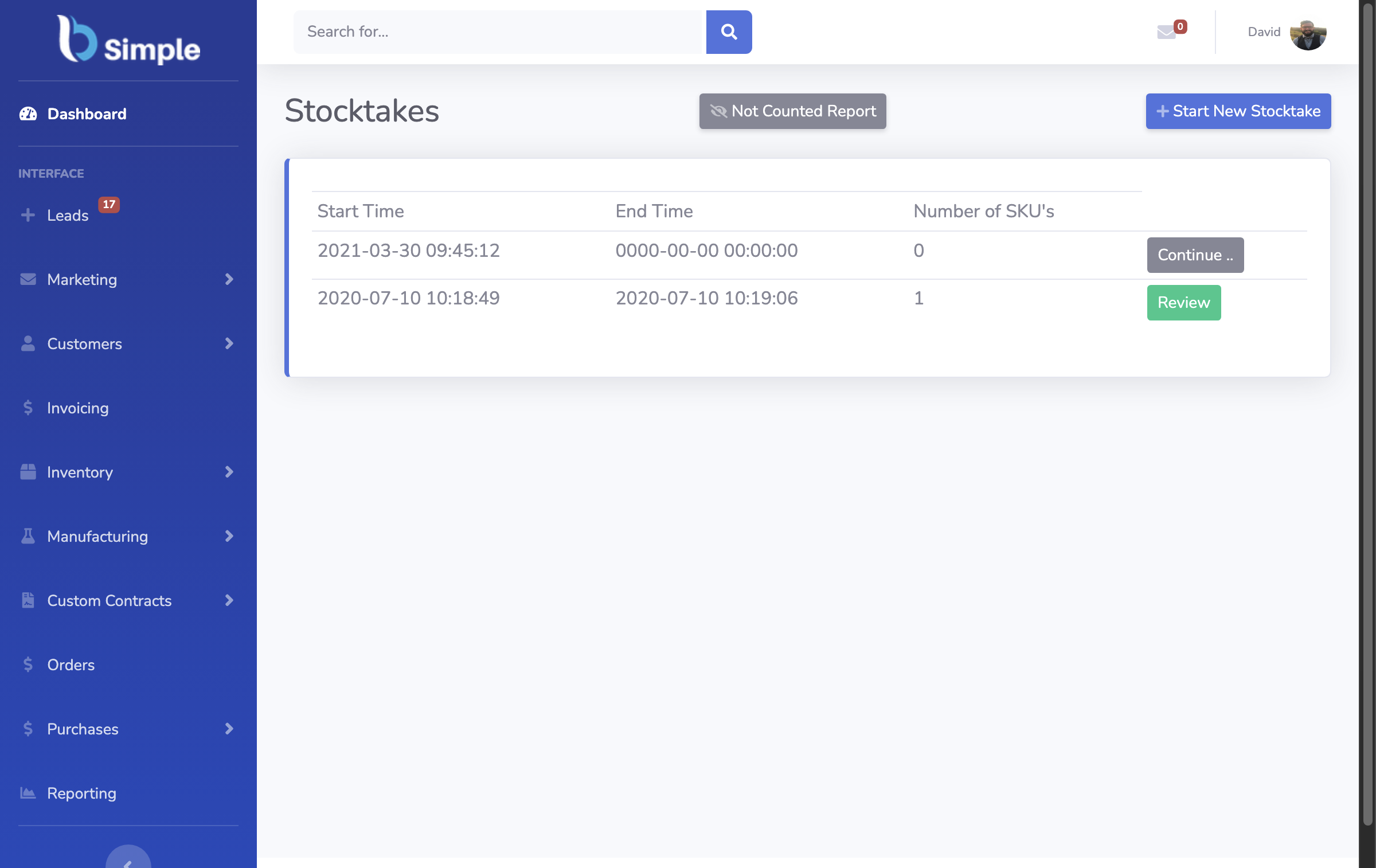
Counting. A stocktake walked with a mobile scan counts a thousand lines in an afternoon instead of three days on paper, and variances post as auditable adjustments. The stocktake-with-scanner workflow — count, review, adjust — is where scanning pays back fastest.
Businesses that scan all three movements usually stop thinking about scanning at all; it becomes how stock moves rather than a project. If you are choosing tools, inventory software with barcode scanner support and the barcode scanner comparison cover the options honestly.
How BSimple handles it
We build BSimple, so weigh that. Scanning is native to the inventory record rather than a bolt-on module: scan with a mobile device as you work and the transactions — receive, adjust, count, pick — flow straight into the same ledger as orders and invoices, with manual entry still there for the odd edge case. That puts scanned stock on the same record as the inventory system and the accounting handoff, so a count is an adjustment, not a reconciliation.
The hardware is yours to choose: any modern phone works from the browser, which is how most teams start. You can test that loop — label a product, receive it by scan, count it, pick it — with your own items during the free trial.

Frequently Asked Questions
Do I need special hardware to scan barcodes?
No — a modern phone camera reads standard barcodes from the browser, which is enough to start. Dedicated scanners earn their place at a receiving bench or packing station where volume justifies the speed; both can feed the same record.
Do I have to print my own labels?
Usually, yes — supplier packaging rarely carries the code your system expects. Labels carry the barcode plus a human-readable code so anyone can verify visually. Many businesses start by labelling shelf locations rather than every unit, which captures most of the receiving and counting benefit.
What should scanning connect to?
The stock ledger, directly. A scan should post the movement — receipt, issue, adjustment — to the same record your orders and invoices use. Scanning into a standalone list that is typed up later recreates the delay and errors scanning exists to remove.
Is scanning worth it for a small operation?
The trigger is mis-identification, not size: wrong items picked, counts that disagree, stock received late because the bench is behind. If those are happening, scanning is the cheapest fix available; if they are not, a spreadsheet phase remains fine.
BSimple