
Guide / fundamentals
Inventory management software, explained plainly
One record of what you have, what moves, and what to buy next — with a worked example through a single order, so the idea is concrete before the feature lists start.
The key facts
- The one-sentence version: software that keeps one live record of stock and runs the jobs around it — buying, selling, counting, reordering.
- The worked example: one order, followed from placement to payment — showing every place the record prevents a mistake.
- What it does not do: file taxes, fix discipline, or make unprofitable products profitable — it makes truth available, fast.
- BSimple is one such system: Australian-made for wholesale, manufacturing, distribution and trade — from $180/month AUD, trial free.
- 01The key facts
- 02The explanation in one sentence — then unpacked
- 03A worked example: one order, start to finish
- 04What it costs, and what it does not fix
The explanation in one sentence — then unpacked
Inventory management software keeps one live record of your stock and runs the jobs that depend on it. Unpacked: "one" means the office, the warehouse and the customer all see the same numbers (not three lists that disagree); "live" means quantities update when movements happen, not when someone updates the spreadsheet (not last week's export); "the jobs" mean purchasing (what to buy before it runs out), selling (checking orders against real stock), and counting (keeping the record honest with variances explained). A worked definition with examples covers the vocabulary; the worked order below makes it concrete.
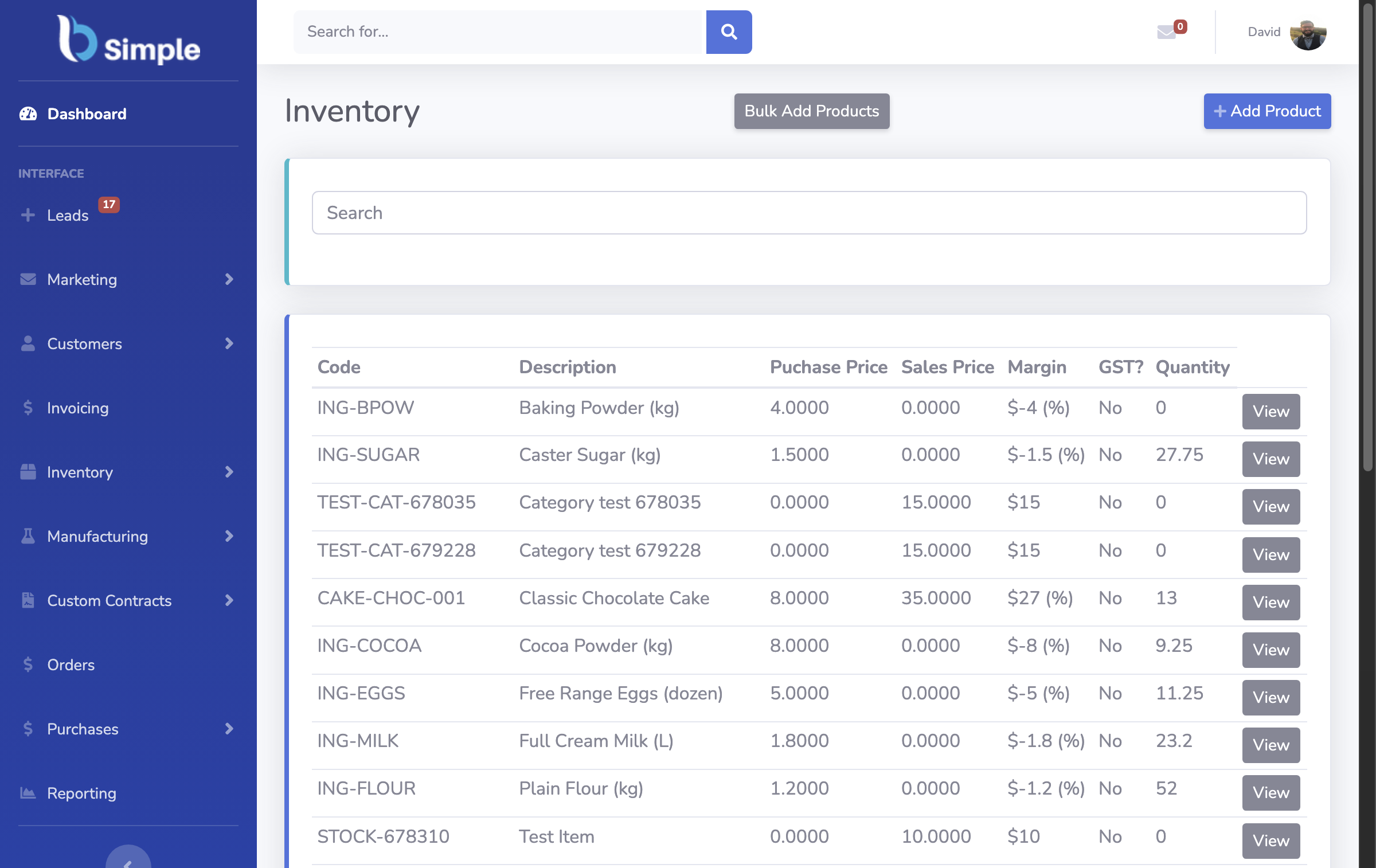
A worked example: one order, start to finish
A customer orders 40 units. Placement: the order enters the system — through their portal, a phone call, a synced store — and the record checks live quantities before promising: 40 exist, 12 are already promised elsewhere, so 28 are truly available. The customer orders 25. Fulfilment: the floor gets a pick list from the same record; the picker confirms items; packing produces the delivery paperwork. Invoicing: at approval, the checked order becomes an invoice — quantities, prices and tax treatment carried, not retyped — stock deducts once, deliberately, and the invoice crosses to the accounting system. Payment: the books mark it paid; the status mirrors back to the order record. Six steps, one record, zero re-keying — and at every step, the mistake the old way invited (selling the same 12 twice, invoicing 40, forgetting the delivery) is blocked by the record rather than caught by memory.
That is the entire idea. Everything else in the category — barcodes, batches, multiple locations, portals — is depth on the same record. The full guide maps it.

What it costs, and what it does not fix
Costs: a subscription (BSimple: $180/$250/$399 per month AUD, core features in every plan, no free tier) and an adoption habit — movements recorded as they happen. Does not fix: tax filing (that stays with Xero, MYOB or your local books — the accounting boundary is deliberate), unprofitable pricing (it makes the unprofitability visible), or a team determined to keep side records. The honest expectation: fewer errors, less re-keying, decisions from records — the benefits page runs the arithmetic without invented percentages.
If this page has made the idea concrete and the search is now a purchase, the inventory guide sorts the market, and the trial runs the worked example above on your own products in an afternoon.
Frequently Asked Questions
What does inventory management software do in simple terms?
It keeps one live record of what you have, what moves, and what to buy next — and runs the ordering, purchasing and counting jobs against that record so the numbers stay true without manual reconciliation.
How is it different from just using a spreadsheet?
A spreadsheet records what someone typed, after the fact, in one file. Software records movements as they happen, for everyone at once, with guardrails on bad entries and history behind every number. At one person and slow volume, the spreadsheet is fine — past that, it becomes the bottleneck.
When should a small business buy inventory software?
When a second person needs the same truth at once, when stockouts or variances start costing real money, or when reordering decisions outgrow memory. Before that, free is the correct price.
Does inventory software replace accounting software?
No — and be wary of products claiming to. The operational record holds quantities; the accounting system holds the books and compliance. BSimple pushes approved invoices to Xero or MYOB and mirrors payment status back.
How do we see this working on our own products?
The trial — the full product, your products loaded, one order and one count run through the flow. An afternoon, and the explanation above becomes something you have watched rather than read.

BSimple