
Guide / scope decisions
Inventory management software versus ERP
ERP bundles your whole business — finance, inventory, HR, manufacturing — into one large system. Inventory software does the operational record deeply and leaves the rest alone. Both are right for someone; here is how to tell which one is right for you.
The key facts
- ERP is a scope decision: finance, inventory, HR, manufacturing, CRM in one system — power proportional to the overhead of running it.
- Inventory software is a depth decision: one operational record done properly, with accounting left to the accounting system.
- The honest triggers for ERP: MRP scheduling, multi-entity consolidation, and administrators as a role, not a hat.
- BSimple's position: deliberately not an ERP — the operations layer between spreadsheets and ERP, with accounting handed to Xero or MYOB.
- The wider system: inventory management end to end maps the whole record this page sits in.
- 01The key facts
- 02What ERP actually is — and what it costs to run one
- 03What a dedicated inventory system does instead
- 04Drawing the line for your business
What ERP actually is — and what it costs to run one
ERP — enterprise resource planning — is the idea that a business runs best when every department works in one system: finance posts to the same database the warehouse picks from, HR and manufacturing included. The suites are real and powerful; they are also projects. Implementations run months, configuration is a discipline, upgrades are planned events, and most organisations running a serious ERP employ or contract administrators whose job is the system itself. None of that is criticism — it is what consolidation costs, and at scale it is worth paying.
The failure pattern is small businesses buying the bundle for the inventory chapter and paying suite prices for a module they use at a fraction of its depth — then keeping spreadsheets alive anyway because the ERP's floor operations demand discipline the team cannot yet give.
What a dedicated inventory system does instead
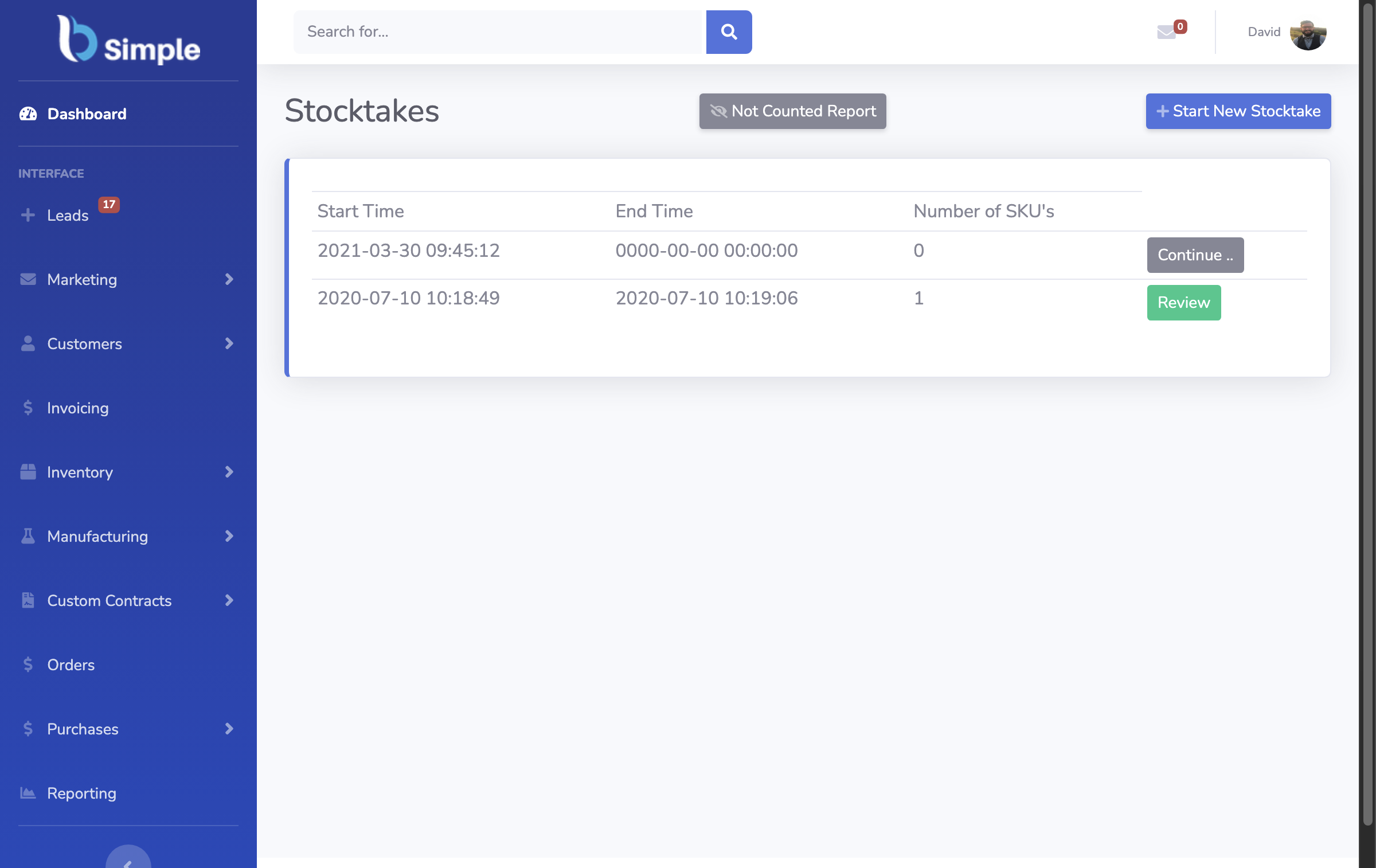
The operations-first approach keeps the record deep and the scope narrow: live quantities across locations, multi-level stock, negative-inventory guardrails, reorder levels that raise purchase orders from demand, batch and lot tracking with expiry, stocktakes that keep the record honest, and orders moving from portal to pick to approved invoice without re-entry. The books stay where they are — invoices push to the accounting system and payment status mirrors back, so finance works in tools built for compliance while operations works in the record built for truth.
Depth beats breadth for the floor: a system whose whole job is the record gets guardrails, traceability search and portal ordering as first-class features rather than modules. Enterprise inventory software, the tier above covers when the bigger tier genuinely earns its keep, and business management software, the category frames the record-first approach.

Drawing the line for your business
- Name the triggers, not the feeling. MRP scheduling, multi-entity consolidation, or compliance processes spanning departments are ERP triggers. "We feel too big for spreadsheets" is not — that is the trigger for a real record.
- Check who maintains it. If no one will own the system as part of their job, ERP configuration decays into the most expensive spreadsheet you own.
- Price the boundary. Operations record plus existing accounting is usually cheaper than a suite — in licence and in the hours around it.
- Test the record either way. Our trial runs a real week on your products; run the ERP demo the same way. Whichever record survives truthfully wins — and Odoo, the mid-point case shows where the modular middle ground sits.
Frequently Asked Questions
Is BSimple an ERP?
No — deliberately. BSimple has no HR, payroll, MRP scheduling or multi-entity consolidation. It is the operations layer between spreadsheets and ERP: one deep record of stock, orders, purchasing and invoicing with accounting handed to Xero or MYOB.
When do we actually need an ERP?
When decisions, not records, become the bottleneck: production scheduling across constraints, group-level consolidation, processes spanning many departments with audit demands. If the record itself is still untrusted, fix that first — an ERP on top of it inherits the chaos.
Can inventory software handle manufacturing without ERP?
Up to a point, and it is a real point: BSimple carries multi-level recipes, production runs with shortage checks, batch creation with use-by dates and mass-balance reporting. MRP-style scheduling is where the ERP line begins.
Which is cheaper — ERP or inventory software plus accounting?
The split stack, at SMB scale, almost always: licences are smaller and the hours around the system are fewer. The honest comparison includes implementation and administration, not just subscriptions.
How do we test which side we are on?
Run the trial on your real products for a week. If the record holds your operation truthfully and the gaps you find are all enterprise features, you have your answer in either direction.

BSimple