
Guide / spreadsheet route
Business management system in Google Sheets
Google Sheets fixes the file-lock problem and the access problem — genuinely real improvements over desktop spreadsheets. What it still cannot do (a stock record with an audit trail, purchasing logic, an accounting handoff), the design that works while it lasts, and the exit signals.
The key facts
- What Sheets genuinely fixes: concurrent editing (no file locks, no "final_v3"), access from anywhere, sharing by permission, and a free tier that never expires.
- What it still cannot do: append-only movement records, reservation logic, automated purchase orders, stocktake reconciliation, and a handoff to accounting — none of those are spreadsheet problems.
- The design that works: one movements sheet with signed quantities, derived stock via SUMIFS, permissions trimmed to who can edit what.
- The exit signals: stock decisions delegated to a second person, audit questions, or re-keying into accounting costing real hours — the spreadsheet-stage guide covers the ladder off it.
- 01The key facts
- 02What Google Sheets actually solves
- 03The build that works while it lasts
- 04The walls, and how they announce themselves
What Google Sheets actually solves
Credit where due: Sheets removes the two failure modes that kill desktop spreadsheet systems. Concurrency — five people in one workbook without locks or overwrites — is real, and so is access: the workshop tablet, the office desktop and the owner's phone all see the same file. Permission sharing beats emailing attachments by a distance. For a very small business, that is a genuine business management system scaffold: a sales log, a stock movements tab, a purchasing tracker and a customer list, all free and all live.
The trap is reading those wins as more than they are. Sheets solves the collaboration layer of business management and nothing else — every operational property that matters at scale is a data-model property, and a spreadsheet has no data model beyond column discipline.
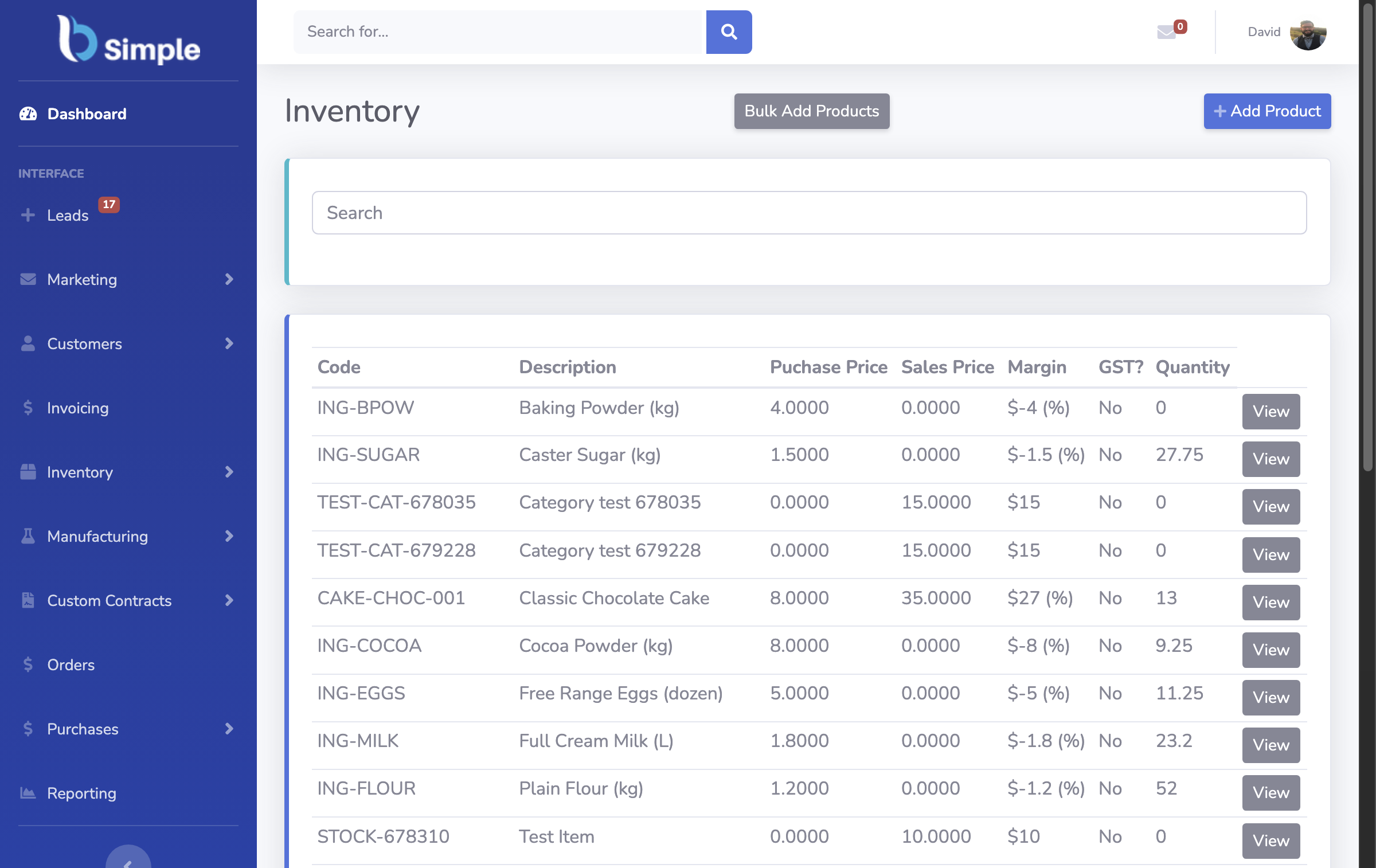
The build that works while it lasts
One movements sheet, append-only. Every stock event is a row: date, product, location, signed quantity, reference, reason. Purchases, sales, wastage — one shape, no exceptions.
Derived stock, never typed stock. On-hand quantities are SUMIFS over the movements, in a view people read but do not edit. The moment someone types a "corrected" total into a cell, the system has become a rumour.
Permissions as process. Edit rights on the movements sheet for the people who physically handle stock; view-only everywhere else. Sheets' permission model is the one place it behaves like real software — use it deliberately.
A dashboard tab. Low-stock highlighting from reorder levels, order values, open purchases. The Excel-stage patterns port across almost unchanged, and the free-stage ladder shows how far this stage carries a business.

The walls, and how they announce themselves
The record has no memory. Anyone with edit rights can change history; Sheets' version history shows who, but recovering truth from it is archaeology. Audit-grade stock needs append-only records — a database property.
Logic stops at the formula. A purchase order cannot "raise itself" when stock crosses a floor; a customer cannot self-serve; a backorder cannot reserve stock it has not seen. Each becomes a person remembering to check a tab — and the system's reliability becomes a rostering question.
The accounting gap. Invoices get re-keyed into the accounting system, every week, forever. That re-keying is the real price of the free route, and what a real system does with the same events is push them across finished.
The honest exit is not dramatic: the business simply reaches the size where the record must be trusted by people who did not type it. BSimple keeps the same movement-based model as a live multi-user system with ordering portals and accounting handoff — the trial runs beside the sheets until the counts agree.
Frequently Asked Questions
Can Google Sheets work as a business management system?
For a small operation with disciplined habits, yes — a movements-based workbook with derived stock and tight permissions is a genuine start. It has no audit trail, no automation and no accounting handoff, so its ceiling arrives with the second workflow, not the second user.
Is Google Sheets better than Excel for inventory?
At collaboration, clearly: no file locks, real sharing, any-device access. At stock logic, they are the same — neither enforces append-only movements or reservations. The choice between them matters far less than the movement-based design either way.
What should a small business track in Sheets first?
Stock movements and reorder levels — the two sheets that make the stock figure true. Sales logs and purchasing trackers come second; a beautiful dashboard over an untrustworthy stock table is decoration.
When should we move off Google Sheets?
When someone must "just remember to check the tab" for a decision that costs money, when audit history is requested, or when monthly re-keying into accounting exceeds the cost of software. The trial route makes the comparison concrete on your own data.
Does BSimple replace Google Sheets entirely?
Mostly, and deliberately not entirely: BSimple imports from spreadsheets and works alongside them — the record goes live, the sheets become reporting scratchpads. The inventory pillar explains what the live record adds.

BSimple