
Guide / work orders
Work order management software
A work order is a promise that stock will move: parts reserved, work done, items consumed, invoice raised. Software that cannot carry the stock half of that promise is a to-do list with paperwork.
The key facts
- What a work order carries: the job, the items it needs (reserved, not just listed), the status, and the invoice it ends in.
- The usual gap: scheduling tools manage the diary; the stock half — reservation, consumption, part traceability — lives elsewhere or nowhere.
- In BSimple: a work order is a project — reserve items without consuming stock, consume on invoice approval, keep the service history.
- From $180/month (AUD), invoicing to Xero or MYOB, free to trial. Scheduling itself is field-service software's job.
- The full picture: the full order flow is the hub page for the order side.
- 01The key facts
- 02What a work order actually needs to carry
- 03Work orders vs purchase orders vs projects
- 04How BSimple runs work orders
What a work order actually needs to carry
A work order sits between two records: the stock record it draws from and the invoice it produces. So beyond the obvious — who, what, where, by when — an honest work order carries:
- Reserved items. The parts promised to this job, held against it while they are still on the shelf. A parts list that does not reserve is a wish list; two jobs can promise the same unit.
- Consumption as transactions. What was actually used, issued against the work order — so the stock record stays true and the job's cost is a query, not an estimate.
- Status that updates itself. Packed, dispatched, done — driven by the work, not by someone remembering to tick.
- The invoice. Approval consumes the reserved items and produces the invoice in one motion, pushed to accounting with payment status mirrored back.
- History. What was installed and serviced — the work order outlives itself as the asset's record.
Work orders vs purchase orders vs projects
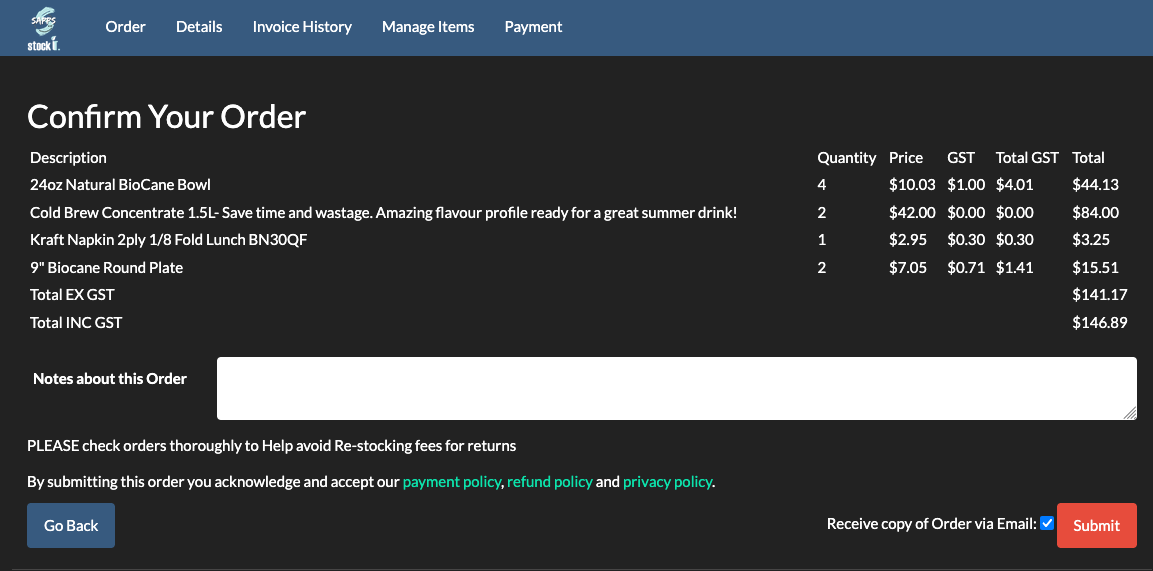
They are easy to confuse and different in direction. A purchase order pulls stock in from a supplier. A customer order pushes stock out to a buyer. A work order sits in the middle: it is an instruction to do work that will consume stock and produce something billable — an install, a repair, a service, a maintenance round. The software distinctions follow the same lines: the purchase order is the inbound loop, how jobs and projects work is the work-order loop with stock attached, and the diary — who goes where on Tuesday — is scheduling software, a different tool that composes with the record. For the ordering side, customer order management versus service order management draws the line cleanly.
How BSimple runs work orders
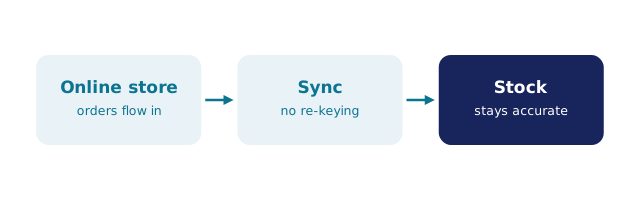
We build BSimple, so weigh that. A work order in BSimple is a project under the customer: items are reserved against it without consuming stock (availability stays honest for everyone else); on approval and invoicing, reserved items are consumed in one transaction and the invoice pushes to Xero or MYOB with payment status mirrored back. The project keeps its lifetime record — what was installed, batches, maintenance and service history per asset. Around it, the same record runs purchasing from reorder levels, van and depot stock as locations, and counts from any phone browser.
No crew calendar, no dispatch board — scheduling software owns those and we do not claim them. Plans start at $180/month (AUD), everything in the core plans, and the trial is the honest test: reserve a real job's parts, approve it, read the history back.
Frequently Asked Questions
What is work order management software?
Software that carries work orders end to end: the job, the stock reserved against it, consumption as the work happens, status driven by that work, and the invoice it produces — with the stock record and the books agreeing throughout.
Does BSimple schedule technicians?
No — crew calendars and dispatch are field-service software territory. BSimple is the record the scheduled work draws on: reserved parts, consumption, invoicing and the service history the job creates.
How does a work order differ from a customer order?
A customer order ships existing stock; a work order instructs work that consumes stock on site — installs, repairs, servicing. In BSimple the work order is a project: reservation, consumption on approval, and a lifetime asset record, all on the same dataset.
What does BSimple cost for work orders?
Projects are in the core product — no separate module. Plans start at $180/month (AUD) with invoicing to Xero or MYOB included; the trial runs a real work order from reservation to invoice before you decide.

BSimple