
Guide / system design
What does a well-designed inventory system look like?
Three working designs cover most businesses: the spreadsheet period-count, the perpetual single-record system, and the warehouse-scale build. Here is what each needs — and costs.
The facts about inventory system design
- Every design has the same four parts: a data structure, workflows, integration points, and a counting regime.
- The designs differ on one axis: how often the record is updated — yearly, daily, or at the moment of every movement.
- Perpetual single-record design is the modern default for product businesses: one record, updated by every sale and receipt.
- Warehouse-scale design adds directed work — slotting, wave picking — and only pays at distribution-centre volume.
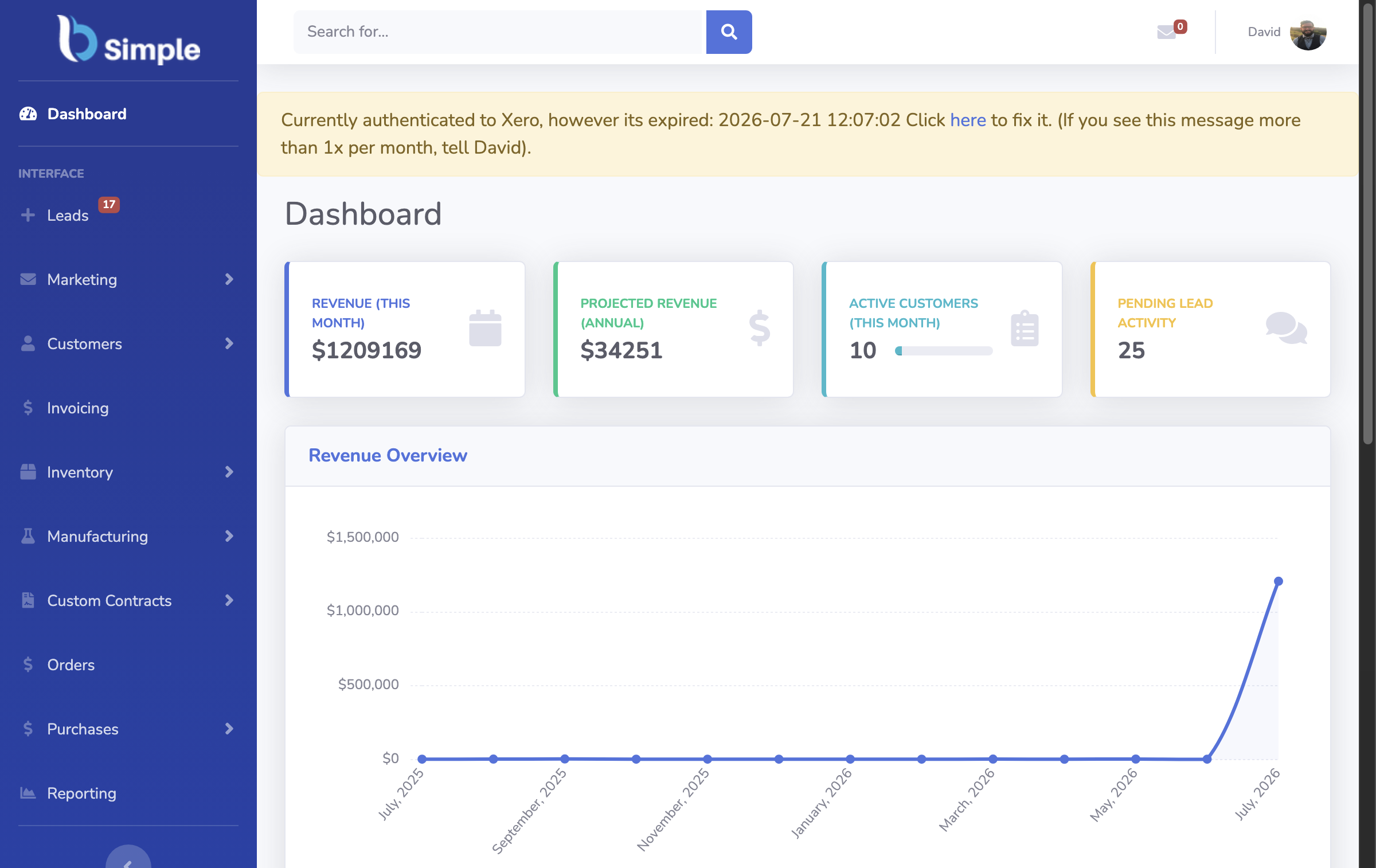
- BSimple is a working example of the perpetual design — one record across stock, orders, purchasing and invoicing, from $180/month (AUD).
- 01The facts about inventory system design
- 02Design 1: the periodic spreadsheet system
- 03Design 2: the perpetual single-record system
- 04Design 3: the warehouse-scale build
- 05Choosing a design for your business
Design 1: the periodic spreadsheet system
Data structure: a product list with quantities, costs and reorder notes; one row per product, one file per site. Workflows: manual — someone edits quantities after sales and deliveries, or batch-enters them weekly. Integration: a monthly export to the accountant. Counting: the periodic stocktake is the only moment the record is guaranteed true.
This design is legitimately correct for one person, one location, and a few hundred lines — the discipline is in the count, not the software. Its failure mode is structural: between counts, the record drifts from reality, so every promise made from it carries risk. The Excel-with-scanner approach stretches this design as far as it honestly goes.
Design 2: the perpetual single-record system
Data structure: products, suppliers, customers and locations in one relational record — quantities, values and history attached to each product, not typed into cells. Workflows: every movement — sale, receipt, transfer, adjustment — posts against the record as it happens. Integration: invoices push to Xero or MYOB; payment status mirrors back; online stores sync into the same record. Counting: cycle counts on a rolling basis, with a full stocktake only at EOFY.
This is the design behind modern SMB systems like BSimple, and its defining property is that no step re-enters another step's data: the order the customer placed is the order the warehouse picks and the invoice the accountant receives. Overselling is caught by negative-inventory guardrails, not by memory. For wholesale, manufacturing, distribution and trade businesses beyond the one-person stage, this is the design to build toward.

Design 3: the warehouse-scale build
Data structure: everything in design 2, plus bin-level locations, pick paths, and labour data. Workflows: directed put-away, wave and batch picking, quality gates at the dock. Integration: conveyors, scanners, carrier APIs, and often a separate ERP holding the finance layer. Counting: continuous cycle counting by zone, run as a daily operational task.
It is the right design at distribution-centre scale — thousands of orders a day, accuracy measured per picker — and an expensive wrong answer below it. The jump from design 2 to 3 buys directed labour efficiency, not record accuracy; if the record itself is wrong, no amount of warehouse automation saves you.
Choosing a design for your business
Pick by volume and hands, not ambition: periodic if one person can hold the stock picture and a count is cheap; perpetual once orders arrive daily, a second person touches the record, or promises outrun counts; warehouse-scale when the picking floor itself is the bottleneck. Moving up a design is cheap while data is small — migrating two hundred products is an afternoon, two thousand is a project.
What an inventory system actually does explains the perpetual design's mechanics in detail, and the suitability guide turns the choice into three signals. To see design 2 running rather than described, the free trial lets you load real products and post a few movements in an afternoon.

Frequently Asked Questions
What are the components of an inventory system design?
Four, in every design: the data structure (what is stored about products, suppliers, customers and locations), the workflows (how sales, receipts, transfers and adjustments are recorded), the integration points (accounting, stores, reporting), and the counting regime that keeps the record honest.
What is the difference between periodic and perpetual design?
When the record updates. Periodic systems are corrected at counts — true at year end, approximate in between. Perpetual systems post every movement as it happens, so the record is always current. Perpetual is why overselling can be prevented rather than discovered.
Which design is right for a small business?
The one matching your volume and headcount: periodic while one person owns the record and counts are cheap; perpetual once orders arrive daily or a second person needs the same numbers. Most product businesses switch when a spreadsheet failure first costs real money.
How much does it cost to implement a perpetual system?
On SMB systems, mostly time rather than consultants: import products and opening stock, connect Xero or MYOB, train the team on one workflow. BSimple starts at $180/month (AUD) with all features included — the trial is the cheapest way to size the migration for your data.
Can a design mix spreadsheets and software?
Temporarily, and usually at a cost. A common pattern is software for stock and orders with a spreadsheet kept "just in case" — but the two drift, and the sheet quietly becomes the trusted record. Pick one system of record; let the other retire with honour.
BSimple