
Guide / mobile
Mobile inventory management
The phone is already the best inventory device most businesses own: camera scanner, count sheet, order portal. What mobile replaces well — and the desk work it should not try to replace.
The key facts
- The phone as scanner: the camera reads barcodes and QR codes — no dedicated hardware required to start.
- What mobile does best: receiving on the dock, counts in the aisles, picking with validation, orders on the go.
- What stays at the desk: bulk imports, wide reporting, reconciliations — keyboard-and-screen work.
- BSimple is browser-based mobile: no app-store install, same record as the desk, from $180/month (AUD), free to trial.
- The wider system: inventory management end to end maps the whole record this page sits in.
- 01The key facts
- 02What mobile does best
- 03What mobile should not try to replace
- 04How BSimple does mobile
What mobile does best
Receiving. Goods arrive at the dock; scan the line against the purchase order and quantities rise on the record where the boxes land — no bench backlog, no typing later.
Counting. Cycle counts live on mobile: walk the aisle, scan or enter, and the variance posts against live quantities with an audit trail. Counts that took a weekend take an afternoon.
Picking. The pick list on the phone, the scan validating the line at the shelf — wrong items refused where they cost nothing.
Ordering. Wholesale customers order through their portal from their phones; your team sees and fulfils the same orders from theirs.
The pattern: mobile is for where the stock is. Every one of these jobs used to end with "I"ll type it up later" — the phrase that turns records into fiction.
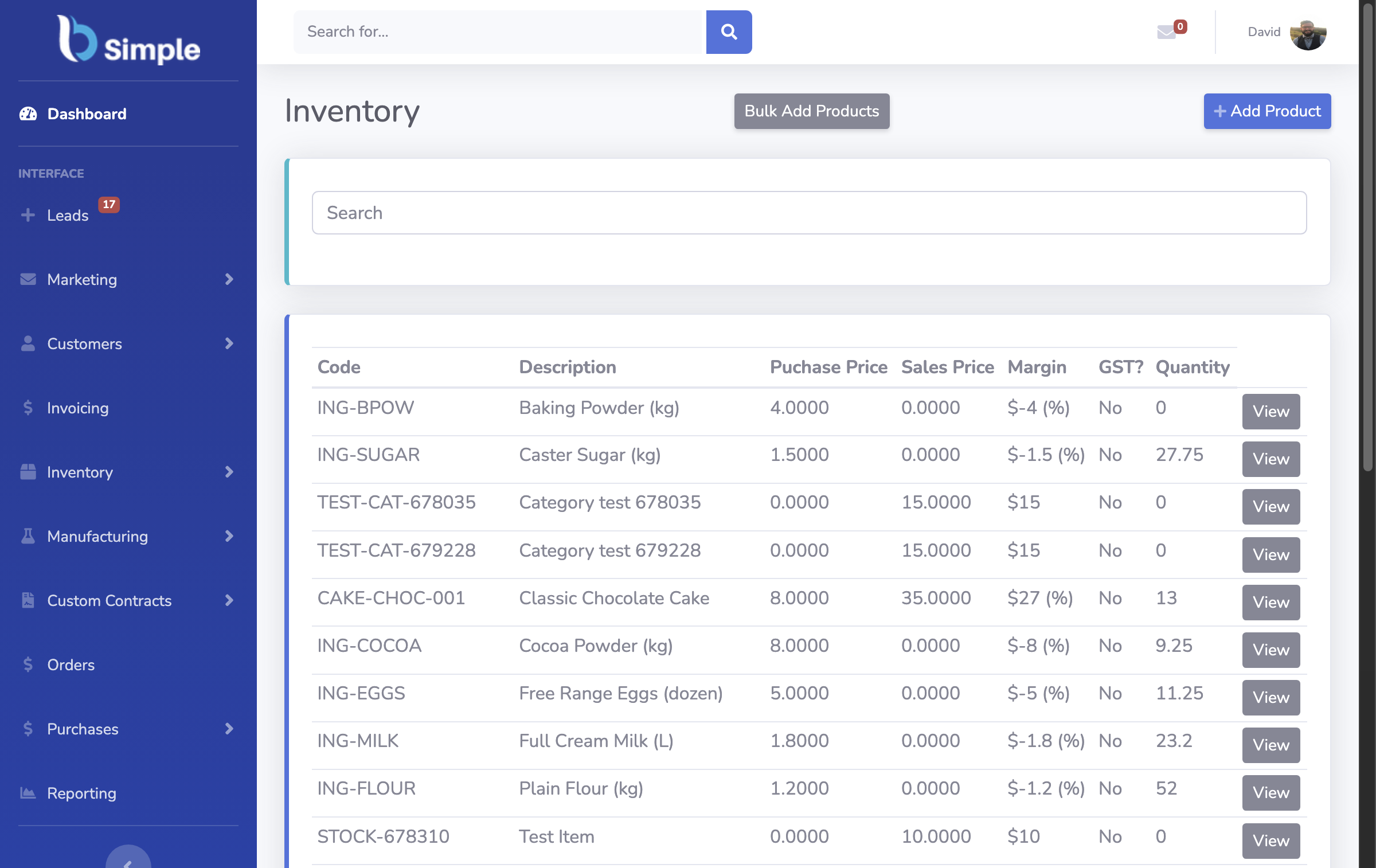
What mobile should not try to replace
Bulk work stays at the desk, and that is fine: importing a 500-line product list, building reports, reconciling a month of purchase orders — keyboard, wide screen, a pot of coffee. A mobile-first tool that abandons the desk creates its own bottleneck; the right shape is one record with two postures — phone where stock moves, PC where work is bulk.
The other honest note is connectivity: mobile browser tools need signal in the aisles. Test your actual dead zones during a trial — any vendor who will not let you do that is telling you something. The app-vs-browser question and the phone-scanning workflow cover the device details; app alternatives cover the small-scale path.

How BSimple does mobile
We build BSimple, so weigh that. Mobile is the browser, deliberately: no app-store install, no per-device licences, no update dance — open the URL, log in, and the phone works on the same record as the desk. Receiving, counts, picking and scanning all run from the phone; imports, reporting and reconciliations live happily on the PC; and both postures read one dataset with one audit trail. Plans start at $180/month (AUD), everything in the core plans.
The honest test: trial it on your own floor — count one shelf from your phone while a colleague checks the same stock on a PC. If both screens agree, the record is real.
Frequently Asked Questions
Does BSimple have a mobile app?
It is browser-based instead: the phone camera scans, counts and receiving run in the browser against the live record — nothing to install or update. If you need offline scanning in dead zones, test that honestly in the trial first.
Can we run inventory entirely from phones?
The floor work, yes — receiving, counts, picking, orders. The bulk desk work (imports, wide reports, reconciliations) is faster on a PC, and one record with two postures is the shape that works.
What does BSimple cost for mobile use?
Mobile is included — it is the same product in the browser, from $180/month (AUD) with no per-device fees. The trial covers the whole team on whatever devices they carry.
Do phones replace dedicated barcode scanners?
To start, yes — the camera reads standard codes well. Dedicated units still win at a high-volume bench for speed and durability. Many operations run both against the same record.

BSimple