
Guide / inventory control
Inventory control software for QuickBooks users
Control is a different job from accounting: guardrails that stop bad quantities, counts that stay true, and a trail of who changed what. What that means for a QuickBooks user — and BSimple's integration status stated plainly.
The key facts
- Accounting systems record stock; control is a different job. Guardrails, live counts and audit trails sit in the operational layer.
- The control features that matter: negative-inventory guardrails, reorder levels, multi-location truth, stocktakes, and a transaction history on every movement.
- BSimple's status: the established accounting handoff is Xero and MYOB; US accounting integrations are rolling out — we do not claim finished QuickBooks support.
- The honest fork: if the books must stay in QuickBooks and nothing else will do, pick a tool built around it; if the pain is uncontrolled stock, the control layer matters more than which ledger it feeds.
- Where it fits: this page is one branch of the inventory management guide.
- 01The key facts
- 02What "inventory control" adds over stock in the books
- 03The control features worth demanding
- 04BSimple's boundary with QuickBooks — stated plainly
What "inventory control" adds over stock in the books
QuickBooks records quantities and values — that is bookkeeping, and it does it well. Inventory control is what stops the record from being wrong in the first place: refusing a sale that would push stock below zero, flagging a supplier invoice whose price drifted from the purchase order, requiring a count before adjustments are trusted, and keeping a history of every movement so discrepancies have an explanation rather than a shrug.
The test is what happens on a bad day. When someone keys 100 instead of 10, does the system stop it, flag it, or silently absorb it into the quantities your accounting relies on? Control software answers "stopped or flagged". What QuickBooks' own inventory covers and where its ceiling sits is worth reading alongside this page.
The control features worth demanding
- Negative-inventory guardrails. Selling stock you do not have should be an event, not a rounding error — blocked, or permitted only deliberately with a reason on the record.
- Reorder levels that reflect reality. Par levels per product, with a view that shows what to buy before it runs out — see the supplier management angle.
- Multi-level and multi-location truth. Boxes that contain cases, and a warehouse, a van and a shop that each hold real quantities.
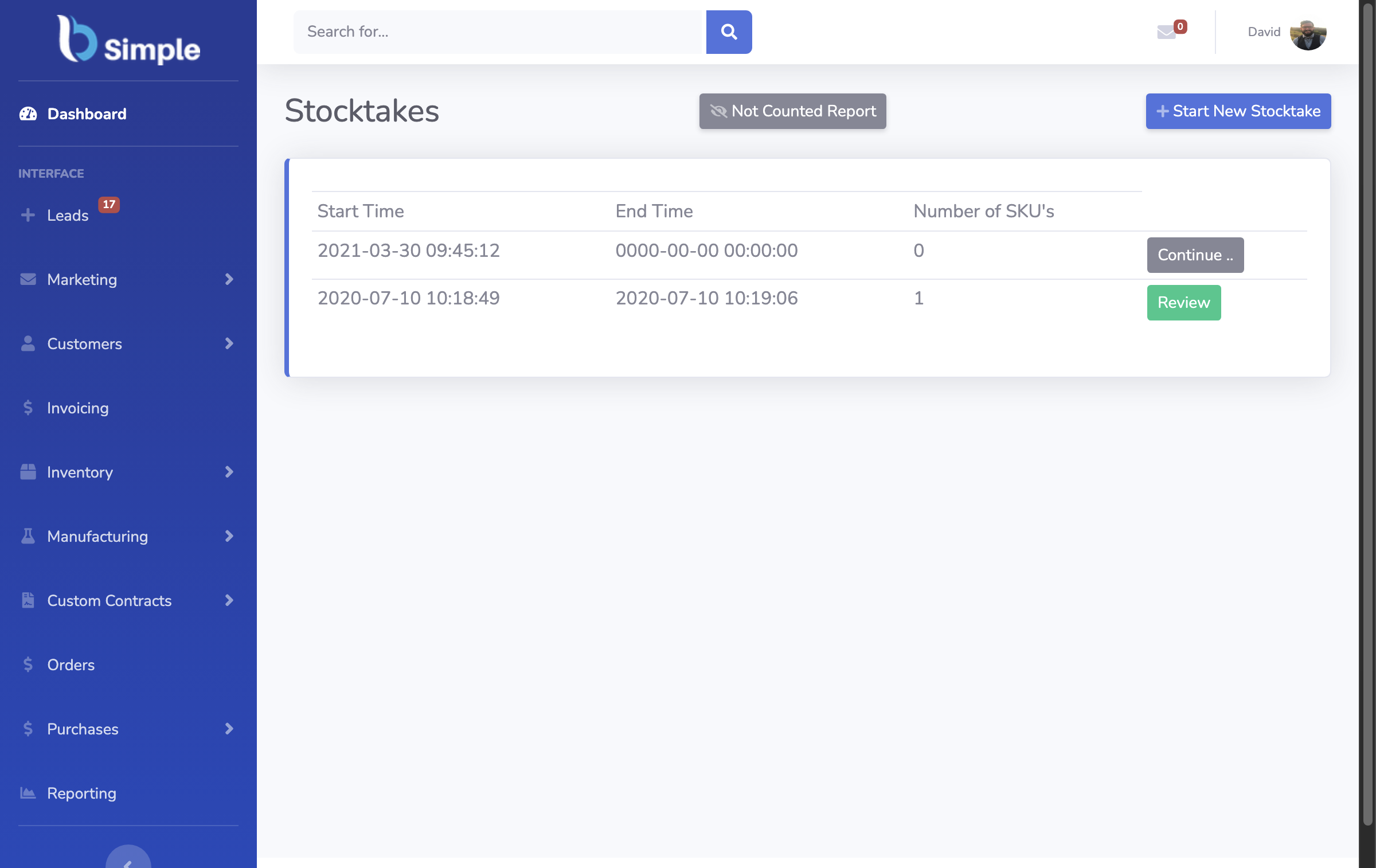
- Stocktakes that are routine. Cycle counts and EOFY counts with variances to review, not a spreadsheet ritual.
- An audit trail. Every transaction attributable — so when the books and the shelf disagree, you can find the moment they parted ways.
Get started with BSimple
BSimple's boundary with QuickBooks — stated plainly
We build BSimple, so weigh that. BSimple is the control layer: live quantities across locations, negative-inventory guardrails, reorder levels, batch tracking, stocktakes, and a full transaction history on every movement. Accounting stays in the accounting system — today that handoff is established with Xero and MYOB (invoices push after approval, payment status mirrors back, purchase orders reconcile with GST handling), and US accounting integrations are rolling out. Until QuickBooks support is generally available we will not claim it; the current status is one honest question away — ask us.
That creates a real choice. If QuickBooks is a hard requirement and the control problems are tolerable, tools built around QuickBooks synchronisation are the right aisle — the buying-decision page frames it. If the pain is the control — overselling, vanished quantities, counts no one trusts — then a deliberate boundary while the US integrations land is a defensible path, and the free trial shows the control layer on your own products before you commit.
Frequently Asked Questions
Does BSimple integrate with QuickBooks today?
Not yet as a finished integration. The established handoff is Xero and MYOB, with US accounting integrations rolling out. We will not claim QuickBooks support that does not exist — check the current status with us before deciding.
What is the difference between inventory management and inventory control?
Management is the whole job — orders, purchasing, invoicing around the stock record. Control is the discipline inside it: guardrails, counts, variance review and audit history that keep quantities trustworthy. BSimple treats control as part of the record rather than a report you run afterwards.
Why not just keep stock control in QuickBooks?
For single-location, low-volume stock it can be enough. It stops fitting when you need live quantities mid-shift, guardrails at the point of sale, batch tracking, or two locations that each need the truth — those are operational jobs, not bookkeeping jobs.
What happens to my QuickBooks stock values if I add a control layer?
The boundary needs deciding deliberately: either the accounting system keeps holding quantities, or the operational record becomes the source and the books hold values. Either works, but a business running both systems as masters simultaneously will fight drift — pick one, and reconcile on a schedule.
Can we trial the control layer before switching anything?
Yes — BSimple's trial is the full product: load your products, run a stocktake, receive a purchase order and see the guardrails work. Nothing changes in your accounting until you connect it.

BSimple