
Guide / inventory tracking
Best inventory tracking software for small business
"Best" is not a ranking — it is a fit. Here are the five criteria that actually decide it for a small business, and how to test any system against them.
The five criteria that decide "best" for a small business
Ignore star ratings and top-10 lists for a moment. For a small business, the best inventory tracking software is the one that passes these five:
- One live record. Quantities update the moment an order, purchase or stocktake happens — not at end of week, not after a reconciliation.
- Fast to learn. Your team runs it alongside real work. If training takes weeks, it will not happen.
- Accounting handoff. Invoices and payments flow to your accountant's system (Xero, MYOB, QuickBooks) without re-keying.
- Guardrails, not just records. Low-stock alerts, reorder levels, and protection against selling stock you do not have.
- Affordable at your size. Priced for a small business, without modules you will never switch on.
- 01The five criteria that decide "best" for a small business
- 02What tracking actually involves day to day
- 03Where BSimple fits — and where it does not
- 04How to test any system in an afternoon
What tracking actually involves day to day
Inventory tracking is three rhythms: incoming stock against purchase orders, outgoing stock against customer orders, and corrections via counts. A system earns its keep when all three share the same record — a received purchase order updates quantities, a confirmed order reduces them, and a stocktake corrects drift without a spreadsheet reconciliation.
That is also why "tracking" quietly means more than knowing quantities: purchase orders you can defend to suppliers, order histories you can answer customers from, and batch or lot detail when a question comes back months later.
Where BSimple fits — and where it does not
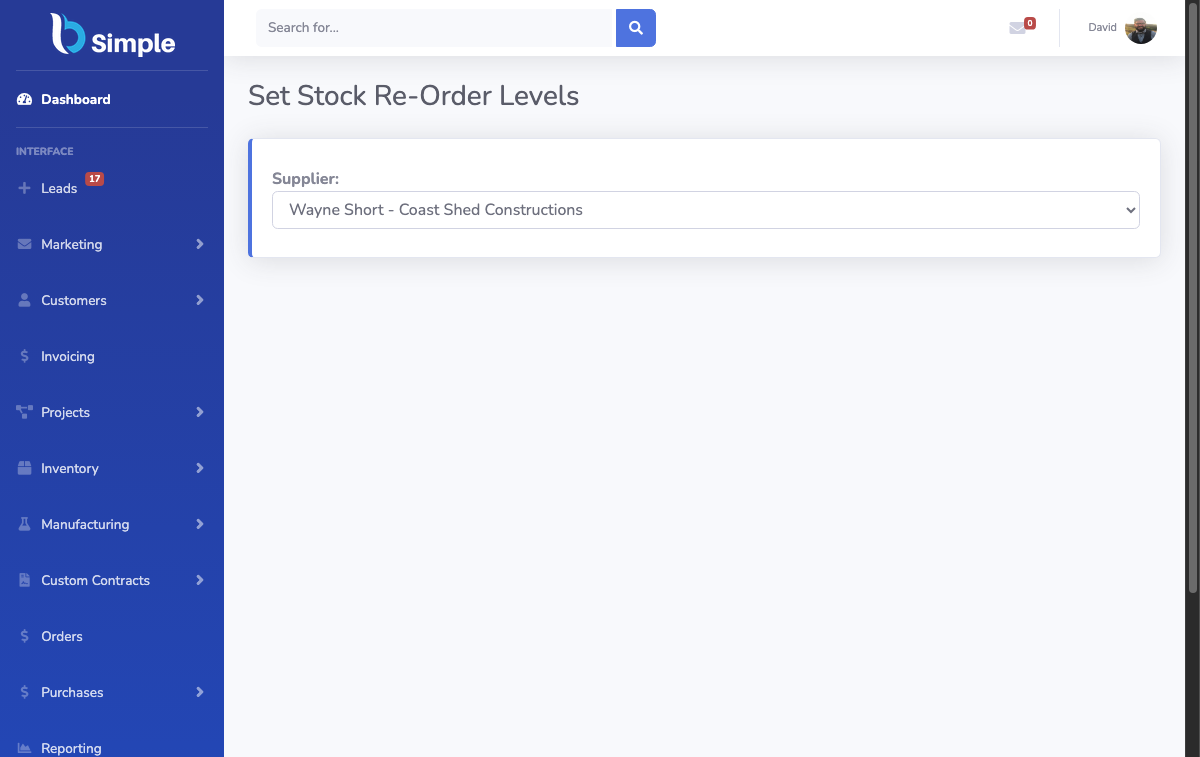
BSimple is built for small-to-medium wholesale, manufacturing, distribution and trade businesses that want stock, orders, purchasing and invoicing on one record. Tracking is live (quantities move when work happens), reorder levels flag what to buy, stocktakes correct the record, and batch/lot tracking answers where any unit came from. Accounting hands off to Xero, MYOB and (rolling out) US systems, and customers can order themselves through their own portal link.
To be equally clear about fit: if you only need to count a few hundred items once a quarter, a spreadsheet remains fine — see our guide to Excel-based tracking with a barcode scanner. And if you need an ERP's depth (MRP scheduling, HR, payroll in one suite), BSimple is deliberately not that.

How to test any system in an afternoon
Load ten real products, receive one fake purchase order, sell two items, and run a mini stocktake. Then check: did quantities update everywhere from single entries? Could a new staff member do it without help? Can you see, right now, what is on hand, what is committed and what is on order? Ten minutes of that tells you more than a month of feature comparisons.
BSimple's free trial is exactly that test — and the features page maps how tracking connects to orders, purchasing and invoicing before you start — see how the inventory record works for how the pieces fit together.
Frequently Asked Questions
What is the simplest way to track inventory in a small business?
A shared live system with one record per product. Spreadsheets work for a single person; the moment two people touch stock, a system that updates quantities from orders, purchases and counts is simpler than any spreadsheet discipline.
Do I need barcode scanning?
Not on day one — BSimple works with or without scanners, and barcode support removes the manual entry errors once volumes justify it. Many customers start without scanners and add them later.
How much does inventory tracking software cost a small business?
BSimple plans start at $180/month (AUD) with inventory, orders, purchasing, invoicing and the customer portal included — no separate module fees for core features. See the pricing page for the full breakdown.
Can it handle multiple locations or vehicles?
Yes — stock can be tracked across locations, and projects reserve allocated items against a customer job so they are not double-sold. See the multi-location detail on the features page.

BSimple