
Guide / schedules versus stock
Project management software for small construction: the honest split
Scheduling the crew and tracking the materials are two different jobs. Here is what each needs, where BSimple's projects feature covers the materials side, and how to choose the pair.
The short answer
- Construction "project management" bundles two jobs: scheduling people and work, and tracking what the work consumes.
- The scheduling job — Gantt charts, calendars, task boards — belongs to project management software.
- The materials job — stock to sites, items reserved and consumed per job, assets with service history — is a record job, and BSimple's projects feature does it.
- BSimple is not scheduling software — from $180/month (AUD) — and this page says which half you are shopping for.
- 01The short answer
- 02The two jobs, honestly separated
- 03Where BSimple fits
The two jobs, honestly separated
Scheduling answers: who is where, when, and in what order. Project management software models the work — tasks, dependencies, timelines, budgets-as-plans — and shines when the coordination is the complexity. Materials and assets answer a different question: what did the job take? Materials delivered to site, equipment left with the customer, items reserved for Thursday, consumption on invoicing, warranty and service history per installed asset. That is a record job — the answers must come from live stock and document-linked movements, not from a task board.
Small construction businesses feel both jobs, and the common mistake is buying the scheduling tool and assuming the materials half comes with it. Usually it does not: the crew is scheduled beautifully while the yard empties unrecorded — and the cost of the job is reconstructed from receipts after the client has been invoiced.

Where BSimple fits
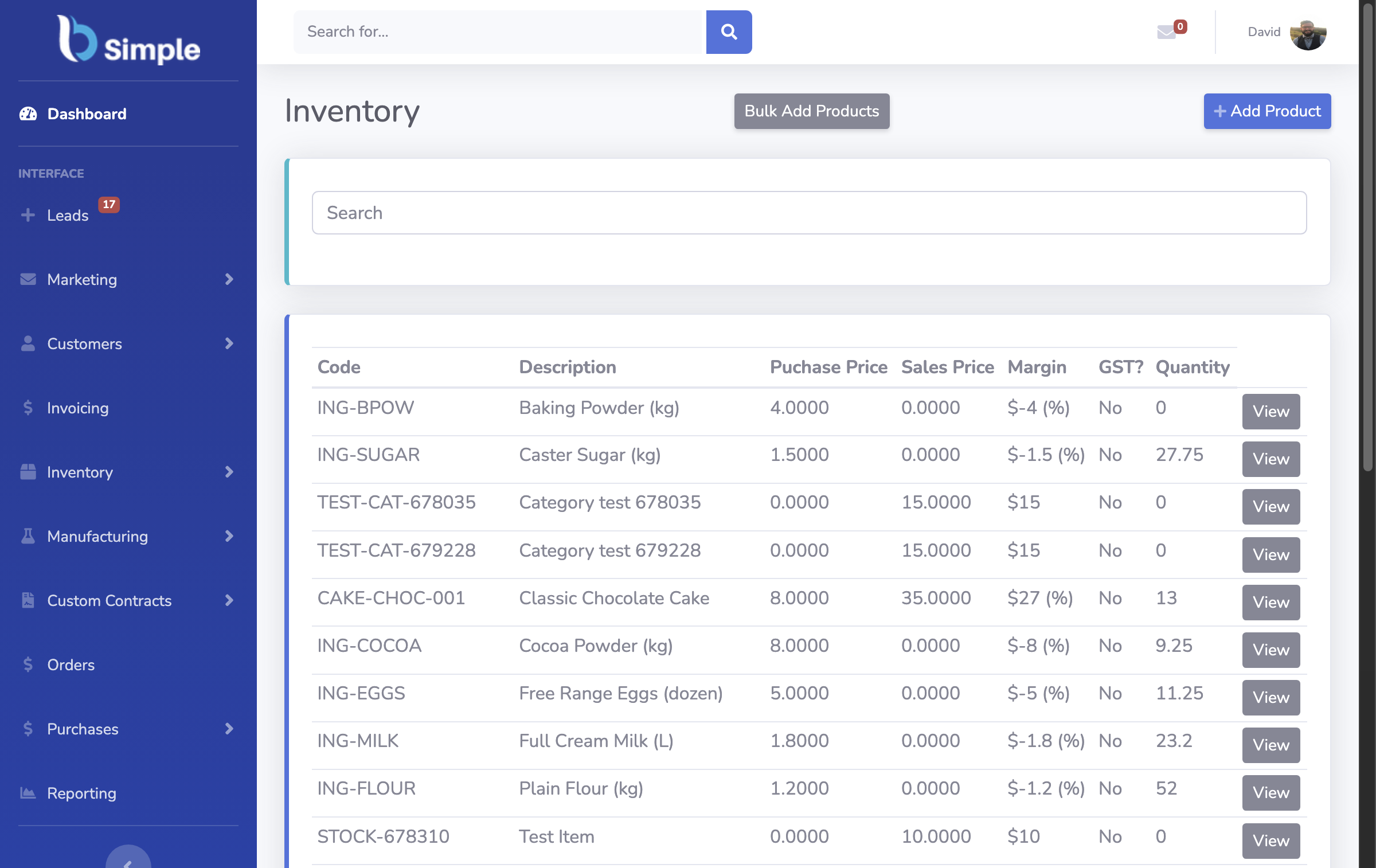
We build BSimple, so weigh that. It is the materials-and-assets half: live stock across the yard, warehouse and vehicles; the projects feature grouping inventory and on-site assets under each customer — reserve items without consuming stock, install and consume on invoice approval, warranty, maintenance and service history per job — plus purchasing raised from demand, counts from any phone browser, invoicing handed to Xero or MYOB, and a trade customer portal. Plans start at $180/month (AUD), and the free trial runs one real job through the materials loop.
The boundary, plainly: no Gantt charts, no crew calendars, no task dependencies. If scheduling is the bleeding, project management software is the right first buy — and it will still need a record behind it. The contractor guide names the pair honestly, the construction inventory guide covers the materials side free-vs-paid, and the inventory management overview shows the record the projects run on.
Frequently Asked Questions
Is BSimple project management software?
Not in the scheduling sense — no timelines, task boards or crew calendars. Its projects feature manages the job's materials and assets on the live record: reservations, consumption on invoicing, service history. The scheduling half belongs to PM software, and pairing the two is common.
Can we track what each job consumed?
Yes — items reserved to a job show as unavailable without leaving stock; consumption happens when the job is invoiced and approved; the record shows every job's materials as documents, not as a reconstruction from receipts afterwards.
Does the record follow equipment left on site?
Yes — assets installed at a customer carry their own history: install date, service visits, warranty status. The next callout opens the asset's record rather than someone's memory, which is what makes lifetime management of installed equipment practical.
Which should a small builder buy first?
Whichever half is bleeding: if jobs are missed because nobody can see the week, scheduling first. If margins vanish because materials are untracked — the quieter, bigger leak — the record first. BSimple's trial covers the second half; the vendor guide the process for either.

BSimple