
Guide / customers and stock
Inventory management and CRM software
A CRM manages the pursuit of customers; an inventory system manages the promises made to them. Here is where the two overlap, what BSimple's customer record covers — and the honest note that it is not a CRM.
The key facts
- CRM and inventory answer different questions: pipeline ("who might buy?") versus record ("what did they buy, and what do we owe them?").
- What BSimple holds instead: customer records with per-customer pricing, order history, tags and segments, and their own ordering portal.
- Not a CRM: no lead pipeline, no deal stages, no sales-forecast machinery — and we will not pretend otherwise.
- When both make sense: a real sales pipeline layered over operations, connected by the customer record — or BSimple's REST API where custom integration is needed.
- Where it fits: this page is one branch of the inventory management guide.
- 01The key facts
- 02What the combination is usually bought to solve
- 03What BSimple's customer record does — and does not do
- 04Choosing between combined, separate, and enough
What the combination is usually bought to solve
The search usually starts with a symptom: sales wants to see stock before promising a delivery, or the warehouse wants to know why an order matters before it reshuffles the pick queue. Combined inventory-and-CRM products promise one view of both. Where that works, it works because the customer record is shared — the same entity in the sales conversation and on the invoice — not because the two tools merged features.
It helps to be precise about the split. A CRM is built for probability: leads, stages, forecasts, activity history. An inventory system is built for truth: quantities, commitments, fulfilment, invoicing. Forcing one tool to do both usually produces a pipeline with no stock truth or a stock system with a sales spreadsheet bolted on — the combination fails at exactly the moment a promise meets a quantity.
What BSimple's customer record does — and does not do
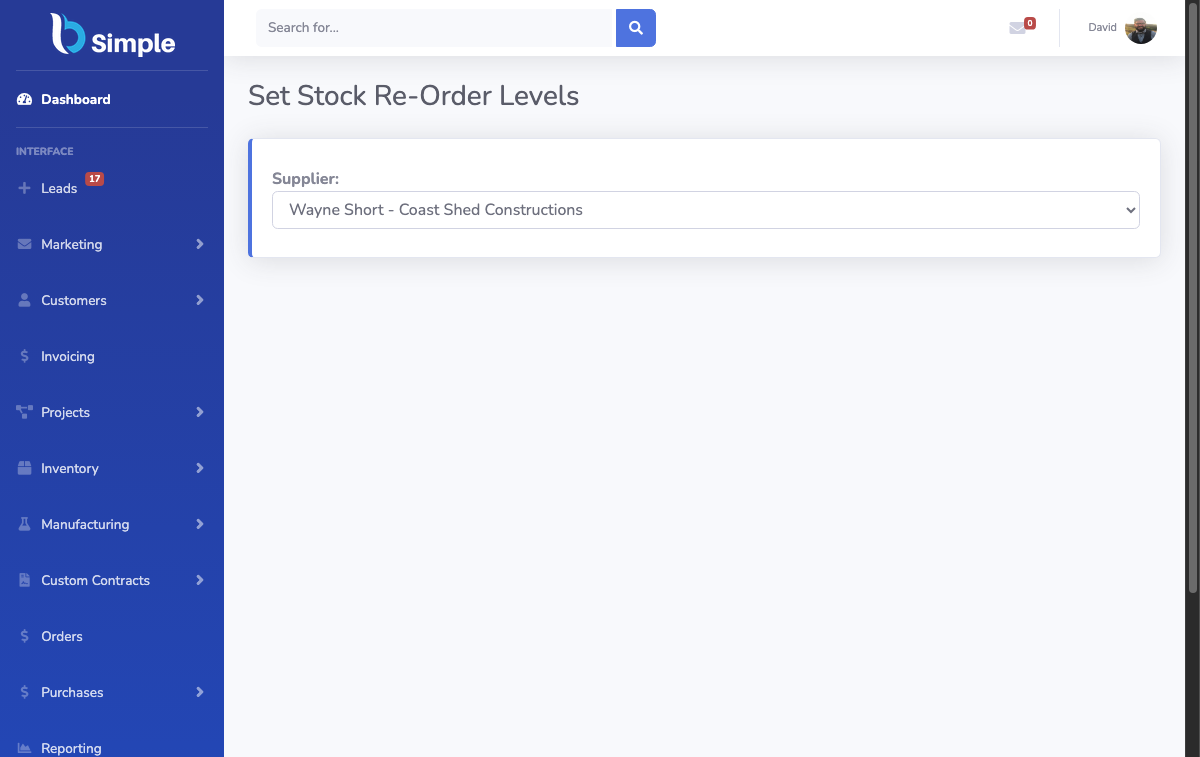
We build BSimple, so weigh that, and the claim is narrow: BSimple is not a CRM. What it holds is the customer record a wholesale or distribution operation actually runs on — per-customer product lists and custom pricing, each customer's own ordering portal with their order history, tags and segments that group customers for reports and campaigns (Send SMS and Send Email attach to a tag), and full visibility of order status from placement to payment. That is the "CRM data" most B2B teams need daily: who buys what, at what price, how often, and what is happening with their orders right now.
What it deliberately does not hold: lead pipelines, deal stages, forecasting. If your sales motion needs those, run a CRM for pursuit and BSimple for the record — the customer is the shared key, and the REST API with keys and scopes is the supported way to connect them if off-the-shelf sync does not exist for your CRM.

Choosing between combined, separate, and enough
- If you sell B2B on relationships and repeat orders: the ordering-portal record may be all the "CRM" you actually use — inventory and ordering together shows how much of the pipeline problem dissolves when customers order themselves.
- If you have a genuine sales pipeline: buy the CRM for pursuit, keep BSimple for truth, and insist the customer record — names, pricing, history — stays consistent between them.
- If you are a small team drowning in leads you already won: the gap is usually fulfilment, not pipeline; fix the record first.
The pattern is the same one behind what order management software is: the systems around the record are replaceable; the record itself is not. Test the customer-side fit on your own buyers in the trial — load a real customer, price them, and take one order through the portal.
Frequently Asked Questions
Does BSimple include CRM features?
Partly, and we are precise about it: customer records, per-customer pricing, order history, tags, segments and SMS/email campaigns are built in. Lead pipelines, deal stages and forecasting are not — BSimple is not a CRM.
Can BSimple work alongside our CRM?
Yes — CRM for pursuit, BSimple for the record, with the customer as the shared key. Where a native sync does not exist, the REST API with API keys and scopes is the designed integration path.
What customer data lives in BSimple?
Contact and pricing detail, per-customer product lists, order and payment-status history, tags and segments. It is the operating picture of the relationship, not the prospecting one.
We only need simple customer tracking — do we need a CRM at all?
Often no. If "tracking customers" means knowing what they buy, at what price, and where their orders stand, the record in BSimple covers it — and the portal gives customers self-service visibility into their own slice.
How much does BSimple cost?
Starter $180, Professional $250 and Organisation $399 per month (AUD) — tags, segments, campaigns and the customer portal are in the core plans, not a CRM-style add-on tier.

BSimple