
Diagram / business management
A business management system, drawn honestly
The useful diagram has one box most vendors avoid: the boundary. Modules — inventory, orders, purchasing, invoicing, customer portal — sit on one record; accounting sits beside it, connected by a handoff.
The key facts
- The centre: one shared record — the single dataset every module reads and writes.
- The modules around it: inventory, purchasing, orders, customer portal, invoicing, reporting.
- The boundary box: accounting (Xero/MYOB) is a connected system of record, not a module — approved invoices cross; nothing else needs to.
- What stays outside the diagram: HR, payroll, MRP scheduling, storefronts — BSimple deliberately leaves them out.
- 01The key facts
- 02The diagram, in text
- 03How BSimple fills the diagram
The diagram, in text
Draw a wide box labelled the record. Inside it, side by side:
- Inventory — products, quantities per location, batches, costs. The truth about what you hold.
- Purchasing — reorder levels, purchase orders, goods receipts, price variance. How stock arrives.
- Orders — portal, phone and marketplace orders, picking and packing, status. How stock leaves.
- Invoicing — approval, the invoice, payment status mirrored from accounting. How leaving stock becomes money.
- Portal — each customer's own products, pricing and ordering path.
- Reporting — order, invoice and stock values in one view.
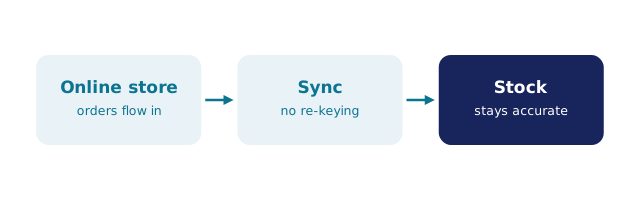
Arrows connect them because they share the dataset: a receipt changes what the portal can promise, an approval changes what accounting sees. Then, outside the big box, one smaller box: accounting (Xero or MYOB), joined by a single labelled arrow — approved invoices in, payment status back. That arrow is the boundary, and the honesty of any "business management" diagram is measured by whether it has one. What a business management system is covers the definitions; the process comparison shows how this differs from BPM tooling.
How BSimple fills the diagram
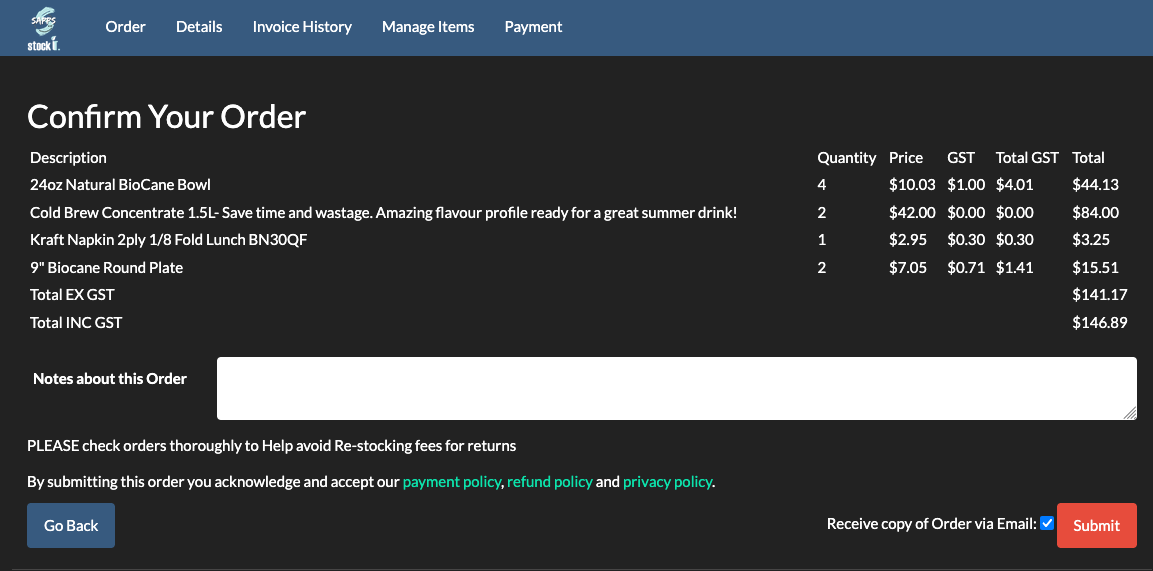
We build BSimple, so weigh that — and the honest description is that the diagram above is roughly our architecture. One record carries inventory, purchasing, orders, the customer portal, invoicing and reporting; recipes and batch production sit with inventory; the audit trail sits under all of it. The accounting boundary is real: approved invoices push to Xero or MYOB, payment status mirrors back, and the books remain the accountant's system of record. Around the edges, a public REST API and an MCP endpoint let your own tools and AI assistants read the record.
Just as honest is what is not in the diagram: no HR, no payroll, no MRP scheduling, no storefront — BSimple is deliberately the layer between spreadsheets and an ERP, from $180/month (AUD). The features overview walks each module, and the trial draws the diagram with your own products in it.
Frequently Asked Questions
What are the components of a business management system?
A shared record with modules around it — inventory, purchasing, orders, customer portal, invoicing, reporting — plus a defined boundary to accounting, where approved invoices cross and payment status returns. Without the boundary box, the diagram is an ERP pitch.
Where does accounting sit in the diagram?
Beside the system, connected by the handoff — not inside it. Xero or MYOB stays the system of record for compliance and payments; the business system produces clean transactions and mirrors the money state back.
Is BSimple a business management system or an ERP?
A business management system, deliberately not an ERP: one record for operations with the accounting handoff, but no MRP scheduling, HR or payroll. The diagram is lighter than an ERP's — on purpose.
Why draw the diagram at all?
Because it tests vendors in one glance: does each module share the record, or does data travel between boxes by export? A trial on your own products settles which kind of system you are looking at.

BSimple