
Guide / Access templates, honestly
Access inventory templates: what the downloads give you
Microsoft's free Access templates are the fastest honest start for a desktop inventory database — and the fastest way to discover exactly where desktop databases stop. Both halves are worth knowing.
The key facts
- What you get: Microsoft ships free Access database templates — products, orders, contacts — a working skeleton in minutes.
- What you still do: adapt the schema, enter everything, own the backups, and live within desktop limits.
- The walls: concurrent users, audit trails, and integrations (scanning, accounting, portals) that become your projects.
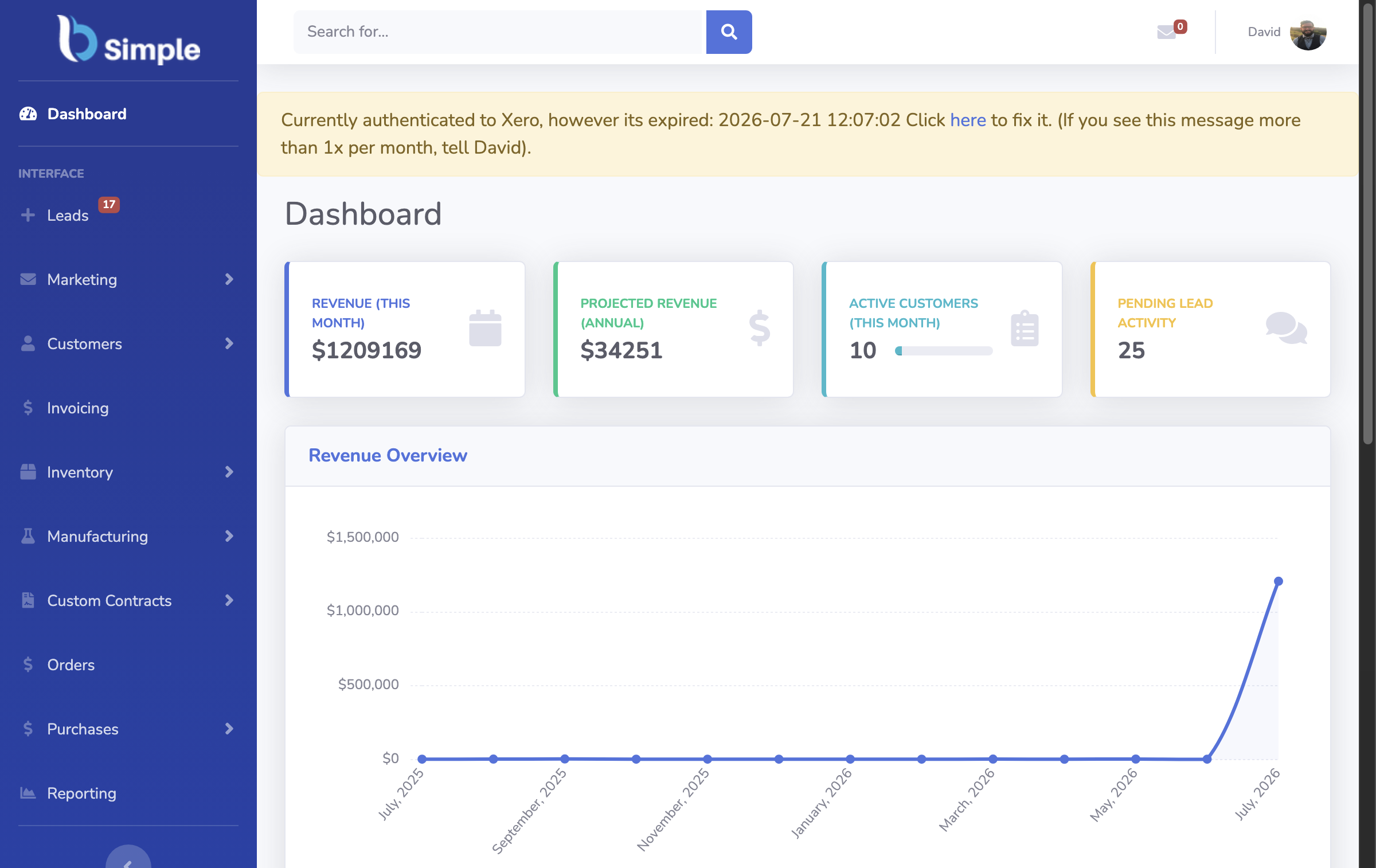
- The other side of the wall: a shared browser record like BSimple, from $180/month (AUD), free to trial.
- 01The key facts
- 02What the free templates actually give you
- 03The walls, and why they are structural
- 04The honest path either way
What the free templates actually give you
Open Access, choose an inventory-style template, and you get a real relational skeleton in minutes: tables for products, categories and transactions; forms for entry; a few reports. If you already own Microsoft 365 business (Access ships with it), the marginal cost is zero and the data is yours, on your machine, by construction.
What the template gives you is a starting shape, not a system. The work you own from there: adapting the schema to your products, entering or importing real data, deciding what "reorder" means and writing the query for it, and scheduling backups you occasionally test by restoring. The broader Access build covers the trade-offs; the Windows downloads are the same family.
The walls, and why they are structural
Concurrency. Access is a desktop database; a couple of simultaneous users over a network is where it strains. The second editor is not an edge case — it is the normal state of a business.
The audit trail. "Who changed this quantity, when, and why" needs deliberate logging that templates do not include — and audits, disputes and shrinkage hunts all ask exactly that.
Integrations. Barcode scanning into live stock, invoices pushing to Xero or MYOB with payment status back, a customer portal — each is a build project on Access, and each is standard equipment in inventory software.
None of this makes the template bad; it makes it a template. The wall arrives when the record stops being one person's and becomes the business's.

The honest path either way
Build the Access version if you own Office, enjoy the modelling, and serve a small team — it will teach you your data model better than any demo. Move to a browser record when sharing, auditing or the accounting handoff become requirements: BSimple runs those on one record — live quantities, reorder-driven purchasing, phone counts, portal and invoicing — from $180/month (AUD). Your Access data exports cleanly into it; the trial is the migration rehearsal as much as the evaluation. The PC free ladder and the inventory guide fill in both directions.
Frequently Asked Questions
Is there a free Microsoft Access inventory download?
Yes — Microsoft offers free Access templates (inventory, orders, contacts) to anyone with Access, which ships with Microsoft 365 business plans. They are skeletons: real databases, with adaptation and upkeep left to you.
Are the templates good enough to run a business on?
For one person or a very small team, honestly yes for a while. The structural walls — concurrency, audit trails, integrations — arrive when the record must be shared, trusted between counts, and connected to accounting.
Can we move our Access data into BSimple?
Yes — Access exports cleanly, and importing product lists into live records is the standard first step of the trial. Treat the migration as a rehearsal: import, count a shelf, and see the record hold your data.
Is BSimple a desktop database alternative?
It is the shared-record alternative: cloud, browser-based, multi-user, with the audit trail and accounting handoff built in — plans from $180/month (AUD), no Access licence required.

BSimple