
Guide / Excel, honestly
An inventory system "v3.0" in Excel
Version 3.0 of an Excel inventory system usually means: two versions broke. Here is how to build the Excel version properly — and the honest ceiling no version number fixes.
The key facts
- What the search really means: a mature, formula-driven Excel workbook for inventory — versions 1 and 2 having already taught lessons.
- How to build it properly: separate tables (products, movements, current stock), data validation, one source of truth per quantity.
- The ceiling no version fixes: concurrency, audit trails, and connections to purchasing and accounting.
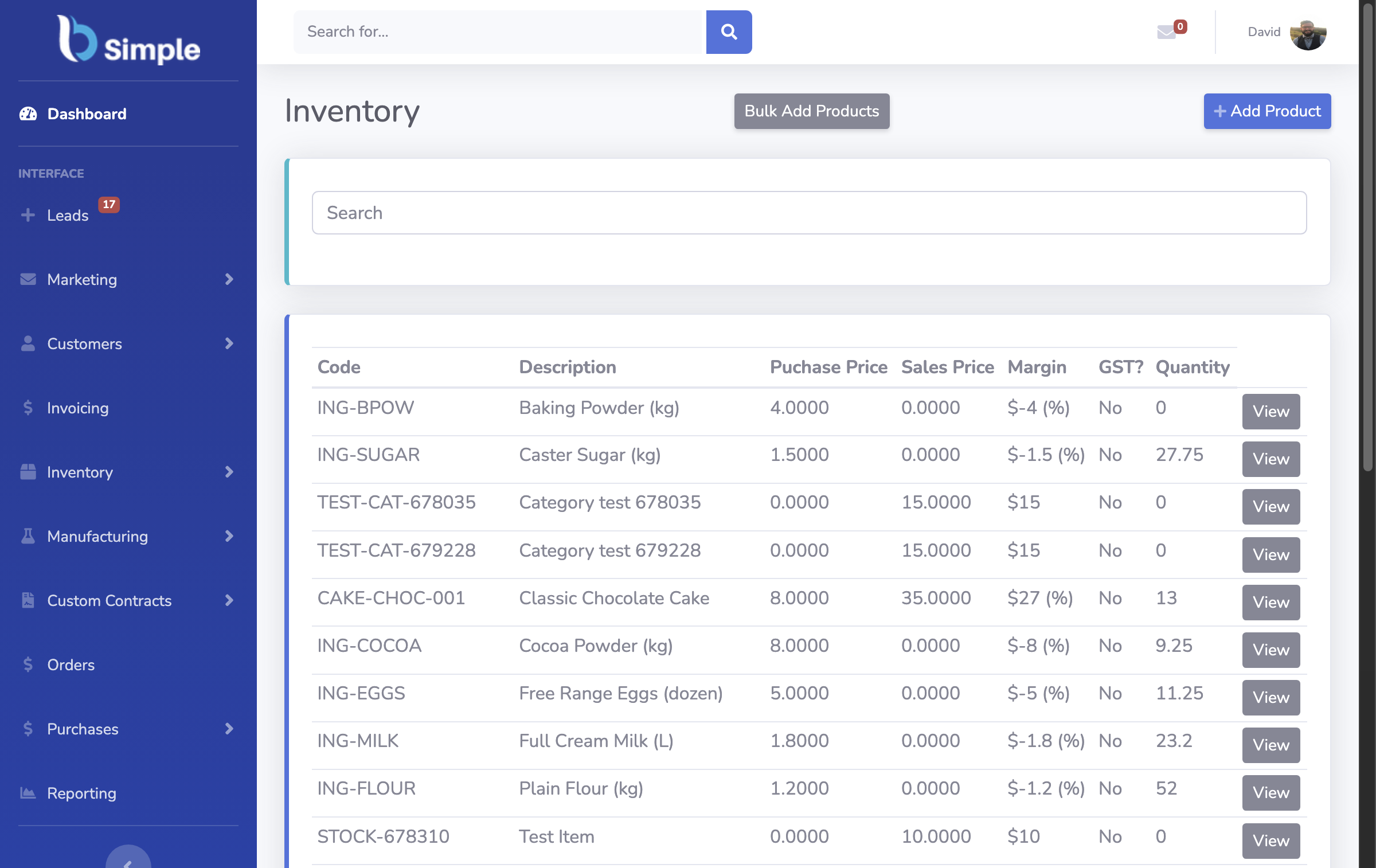
- The upgrade path: import the workbook into a live record — BSimple, from $180/month (AUD) — and keep the spreadsheet as the seed.
- Context: the full inventory system holds the wider system, this page one stop in it.
- 01The key facts
- 02What "v3.0 in Excel" actually is
- 03The ceiling that no version number fixes
- 04The upgrade path — when v4 is not Excel
What "v3.0 in Excel" actually is
Version numbers in spreadsheet filenames are archaeology: v1 was the list, v2 added formulas that half-worked, v3 is the one with dropdowns and a dashboard someone found online. The search for a ready-made "v3.0" is really a search for a system that survives contact with real work — and the honest answer is that Excel can be that system, briefly, if it is built with discipline.
The disciplined build: a products table, a movements table (every receive, issue, adjust — date, product, quantity, direction, who), and a current stock view computed from movements, never typed. Data validation on every entry cell. No merged cells, ever. That structure is the difference between v3 working and v4 being another apology.
The ceiling that no version number fixes
Three things Excel cannot grow into, at any version:
- Concurrency. OneDrive sharing helps but does not make a database — two people issuing the same stock at the same moment is still a race.
- The audit trail. You can log changes with enough VBA willpower; almost nobody sustains it, and audits ask exactly that question.
- The connections. Purchase orders from reorder levels, invoices pushing to Xero or MYOB, a customer portal — each is a bespoke build, and the accounting handoff is the one whose absence costs the most re-keying.
These are structural: a workbook is a document, and a business record eventually needs to be a system. The desktop-database middle path and the Windows downloads sit on the same ceiling.

The upgrade path — when v4 is not Excel
The good news about a disciplined workbook: it is the perfect import file. Products, current quantities, maybe movement history — a live system imports it directly. We build BSimple, so weigh that: importing your Excel inventory is the standard first step of the trial, after which the movements are transactions, the counts are from a phone, the reorder levels raise purchase orders themselves, and the invoices push to Xero or MYOB — one record, from $180/month (AUD). The free stock-software comparison covers what else is out there if paid is not yet the answer.
Frequently Asked Questions
How do I build an inventory system in Excel?
Three tables — products, movements, computed stock — with validation on entry and no typed quantities. That is v3.0 done honestly. It works at one-person scale and breaks at concurrency, audit trails and integrations, structurally.
Is there a ready-made v3.0 Excel template to download?
Templates exist in quantity, and quality varies wildly. Rather than hunt versions, apply the three-table test: if a template stores stock as typed numbers without a movements table, it will break exactly when you start trusting it.
Can Excel connect to Xero or MYOB?
Partially, with effort — exports, Power Query pulls, bespoke scripts. What Excel cannot do is the operational side: portal orders, picking, counted variances. The accounting connection is where purpose-built software earns its keep.
How do we move our Excel system into BSimple?
Export products and quantities, import them as live records, count a shelf to verify, and start moving. The trial is the migration rehearsal — your workbook becomes the seed of the record, from $180/month (AUD).

BSimple