
Guide / build vs buy
How to make inventory management software
A working inventory system is smaller than it looks and easier to get wrong than it should be. The data model that keeps it accurate, a build path from spreadsheet to database to app, and the point where building stops paying.
The key facts
- The one design decision that matters: store every stock change as an append-only movement and derive quantities — never store editable stock totals.
- The minimum system is four things: a product list, locations, movements, and reorder levels. Everything else — batches, purchasing, orders — layers on top.
- The build path: spreadsheet → database + simple app → real system. Each step earns the next by breaking at a real constraint, not by ambition.
- The honest exit: when multi-user access, audit history or purchasing joins the requirements, adopting a maintained system usually beats maintaining a homemade one — the build-vs-buy arithmetic prices both.
- 01The key facts
- 02Start with the movements, not the screens
- 03The minimum data model
- 04The build path that works
Start with the movements, not the screens
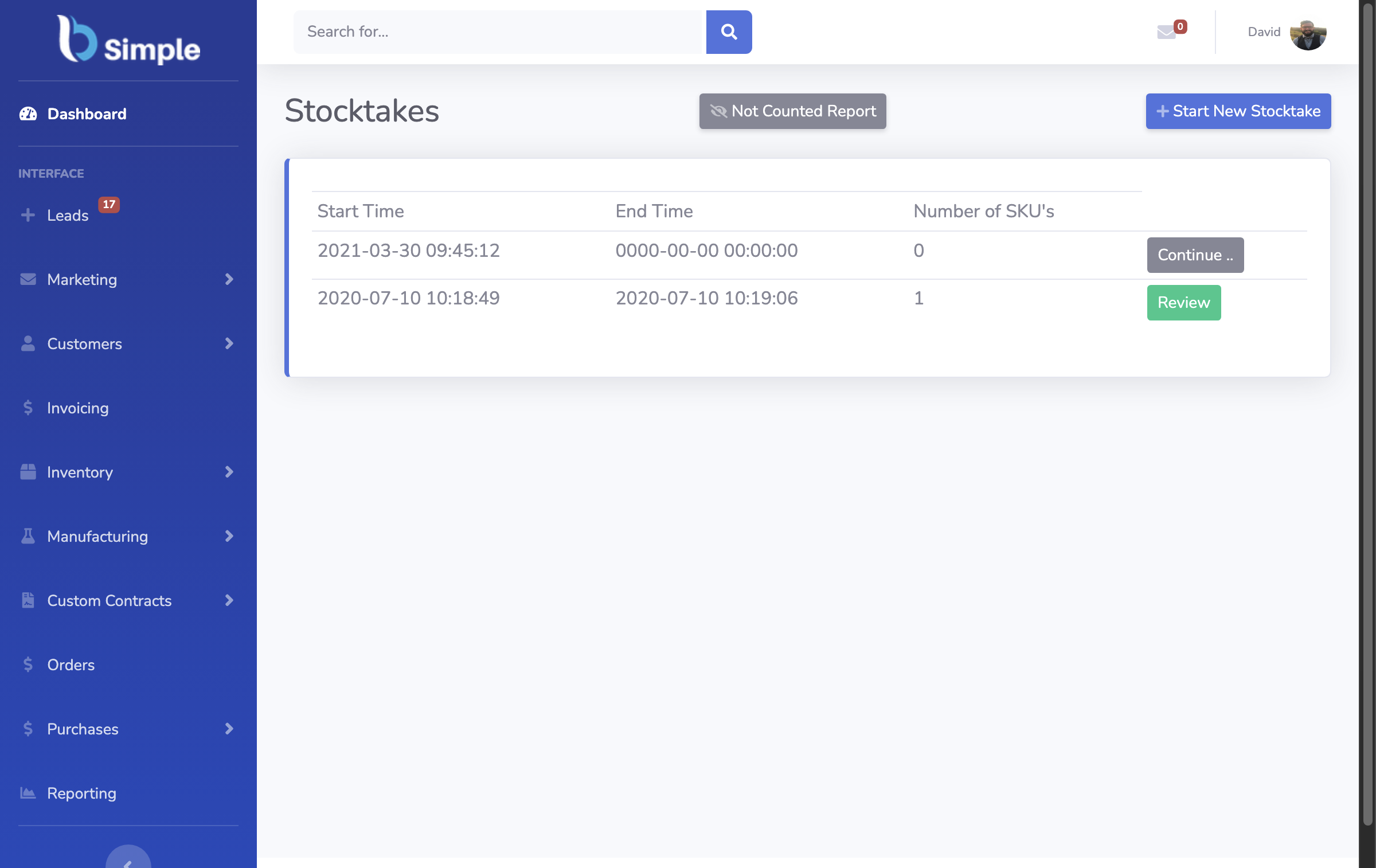
Most homemade inventory systems die the same death: someone builds a screen showing stock on hand as a number that can be typed over, and within a month that number disagrees with the shelf. The fix is architectural, not disciplinary. Every change to stock — a sale, a receipt, a production run, a correction after a stocktake — is recorded as a movement: which product, which location, which direction, which quantity, when, and why. Stock on hand is never stored; it is derived by summing the movements.
This one decision buys everything that matters later. The audit trail exists by definition, because the movements are the record. Stocktakes stop being a data repair job and become a batch of correction movements with a reason attached. And debugging stops being archaeology, because when a count looks wrong, the movement list shows exactly which transaction made it so. The database-design walkthrough builds this schema in detail, and it is the two-hour version of the whole project.
The minimum data model
Four tables run a real business. Products — the SKU, description, unit, and cost. Locations — wherever stock physically sits; even a single warehouse deserves to be a named location. Movements — product, location, signed quantity, timestamp, reference and reason. Reorder levels — the floor per product (per location, later) that turns the movement history into a shopping list.
On that base, the useful features are additions rather than rewrites: batch numbers attach to movements for traceability; purchase orders are movements with a supplier and an expected date; customer orders are negative movements waiting for fulfilment. A system built this way grows with the business instead of being replaced by it — a worked example shows the flow from order to movement to derived quantity.

The build path that works
Spreadsheet first. A sheet with a movements tab and a derived stock column is a genuine prototype: it proves the workflow with real products in days and reveals which reports the business actually looks at. It breaks at multiple concurrent users, not before.
Database next. When the sheet breaks, the same schema moves to a real database with a thin interface on top — any mainstream stack can render product lists and movement forms. The two hard requirements are unchanged: append-only movements, and users who cannot edit derived quantities. Deploy it for a handful of people and expect the next break to be process, not code: two people adjusting the same stock in the same hour with different stories about why.
System last. The third break — audit requirements, purchasing workflows, batch traceability, a second location, or simply the hours of maintenance exceeding the hours saved — is the honest end of the build route. Building teaches the business exactly what it needs, which is why the exercise is worth doing even when the destination is a product: the inventory management pillar maps what the maintained options cover, and the trial-first approach applies the same test to a real product before anything is bought.
Frequently Asked Questions
How long does it take to build inventory management software?
A movement-based spreadsheet takes a weekend. A database-backed tool for a small team takes weeks. The honest variable is not the code — it is the process design: who can record which movements, who corrects discrepancies, and how often the physical stock is checked against the derived figures.
What is the most common mistake when building one?
Storing stock on hand as an editable number. It makes the first demo easy and every month after that untrustworthy. Movements with derived quantities are harder to picture and are what keeps the record true — the schema decision that pays for itself forever.
Which technology stack should I use?
One the maintainer knows well — this is maintenance-heavy software, so familiarity beats fashion. The database needs reliable transactions and timestamps; the interface needs little more than list views and forms. The stack matters far less than the append-only movement discipline.
When should a business buy instead of build?
When the requirements cross into multi-user stock truth, purchasing workflows, batch traceability or audit history. Those are solved problems in maintained products, and the hours spent re-solving them in-house are hours the business does not bill for. The build-vs-buy arithmetic prices both routes against each other.
Can a homemade system connect to accounting?
It can, but integration is where homemade projects usually stall: invoice handoff, payment-status mirroring and tax handling are moving targets maintained by someone else. Products such as BSimple exist precisely for that layer — operations stay accurate in the homemade or purchased system, and the accounting system receives finished invoices rather than hand-typed summaries.

BSimple