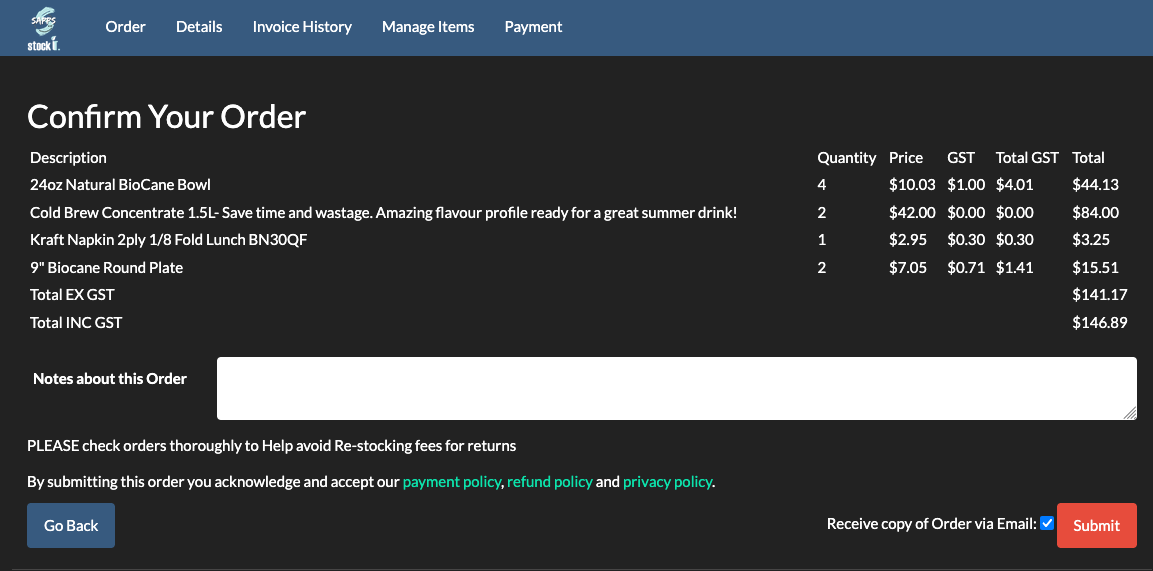
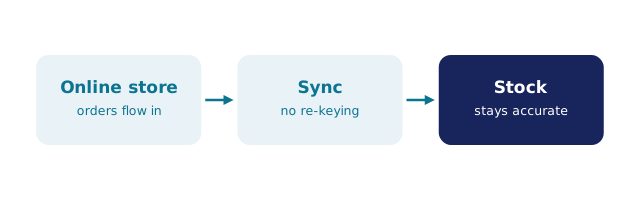
Genuine BSimple screenThe customer ordering page: each customer sees their own product list and pricing.DiagramDiagram: an online store syncing orders into stock.
DiagramOrder placed→Picked and packed→Invoice created→Stock updatedDiagram: Order placed → Picked and packed → Invoice created → Stock updated — how this work moves through BSimple.In practiceBusiness processes built into the system, not remembered by staff.